FREE DIGITAL HIRE AGREEMENTS
Create, send and sign hire agreements for free.
Send equipment and machinery hire agreements from your phone. Add your terms, share a signing link and keep the signed PDF. Customers sign in their browser.
Unlimited agreements, customers and assets on Free. One terms set. No credit card needed.
Create free account →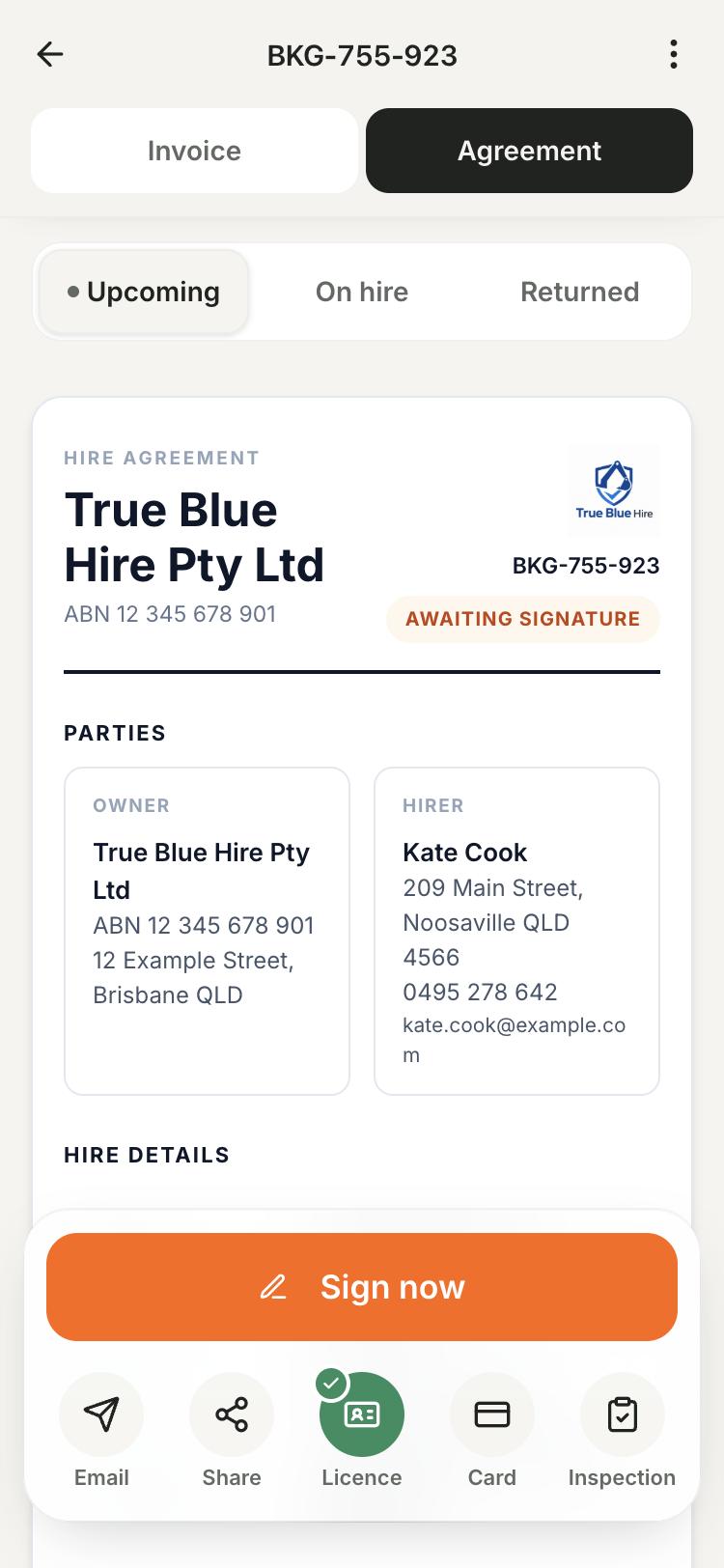
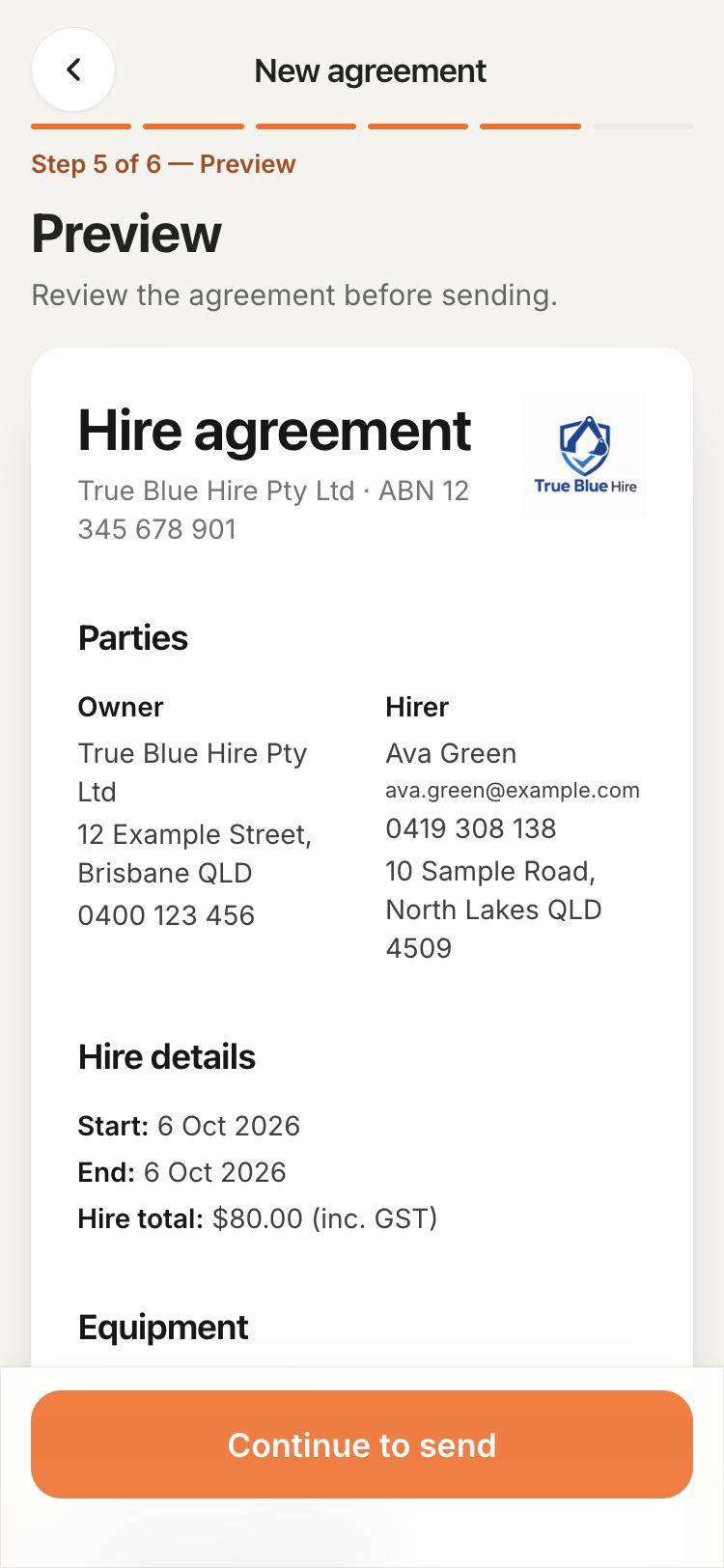
Your hire agreement template.
Use Signd's editable starting terms or add your own in the terms editor. Save them once, then choose the customer, gear and dates for each hire.
- Free includes one reusable terms set.
- Pro adds PDF text import and more terms sets.
One link. Ready to sign.
Email or share the signing link, or use Sign now beside the gear. Customers sign in their browser without an app or account.
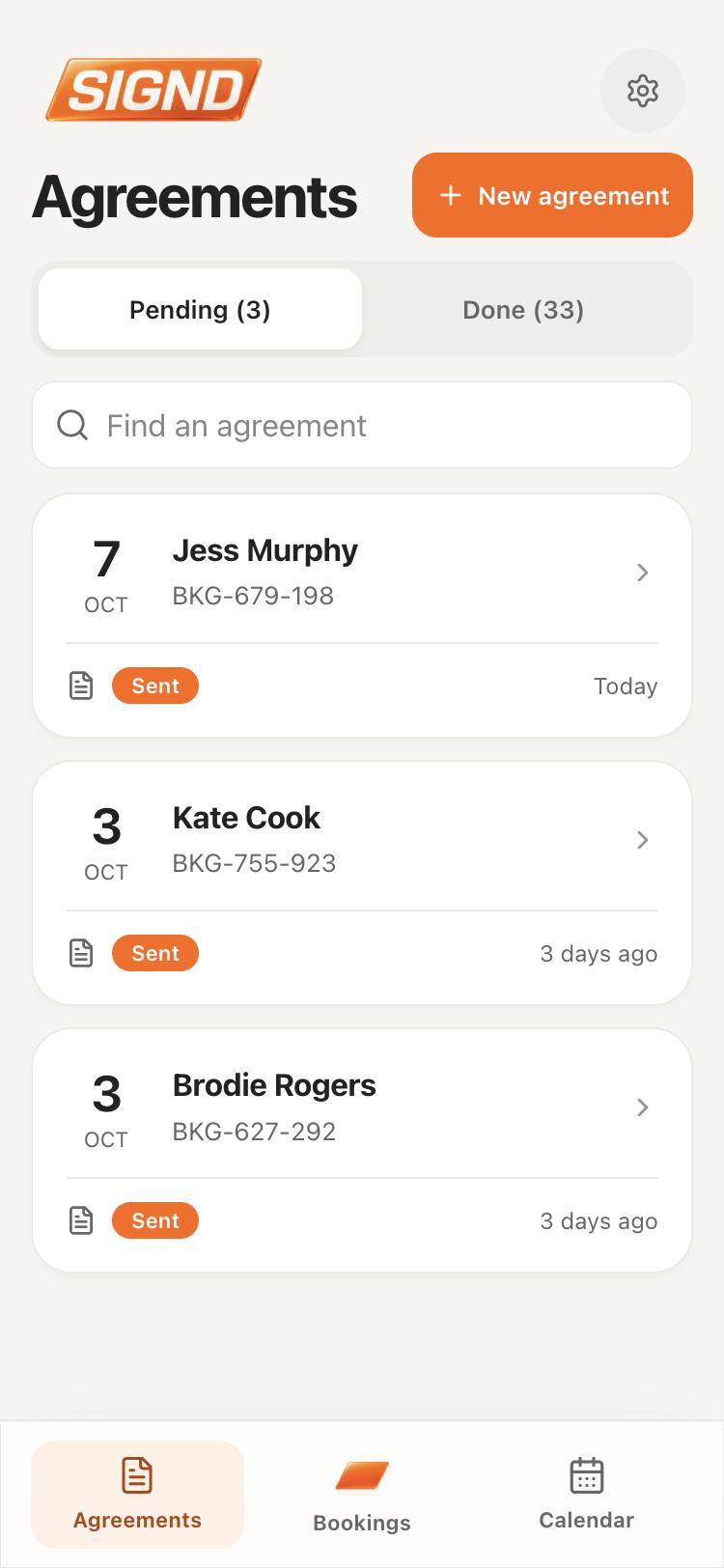
- Track Draft, Sent and Signed status in Pending and Done.
- Customers receive the signed PDF by email; you can download it too.
Keep the whole hire together.
Pro brings bookings, invoices and the calendar together with licence photos, condition reports and card on file.
- Card tools require a connected Stripe account.
- Signed agreements keep the terms the customer accepted.
How it works
Choose the customer and gear
Reuse saved details or add them as you go.
Check the agreement
Add the hire details and terms, then preview the document.
Get it signed
Email a link, share it yourself or use Sign now.
Keep the signed copy
Find it in Done. Your customer receives the PDF by email.
What's included
Agreements are free and unlimited. Pro adds bookings, invoices, calendar and protection tools.
See plans and pricingCommon questions
Can I send and sign hire agreements for free?
Yes. Signd Free includes unlimited agreements, customers and assets, plus one terms set. Send a signing link or have the customer sign on your phone. No credit card is needed to create a free account.
Can I use Signd for dry hire agreements?
Yes. Dry hire means supplying equipment without an operator. Add the machine and attachments, hire dates, rates and your dry hire terms, then send the agreement for signing. Signd's starting terms need to be reviewed for your equipment, business and location.
Can I use terms I already have?
Yes. Write or paste your terms for free. With Pro, import the text from an existing PDF into the terms editor, review it and save it for your digital agreements. Pro also supports multiple terms sets.
Does the customer need to download anything?
No. They sign in their browser and receive the signed PDF by email.
Does Signd include a hire agreement template?
Yes. You can edit Signd's starting terms in the app or use your own. The template is a starting point, so have a lawyer review your terms for your equipment, business and location. Customers receive a PDF of the signed agreement.
Hire agreement guides
More ways Signd helps
- Protect your business — Keep signed terms, licence photos and condition reports with each hire. Start with free agreements; add handover tools with Signd Pro.
- Your business in your pocket — Your hire business in your pocket. Manage agreements, bookings, invoices and condition reports from your phone. Start with free agreements.
- Simple setup — Add your business details, terms and the gear for your next hire. Send yourself a test agreement, then add more as you need it.