ONLINE BOOKING · SIGND PRO PLUS
Take bookings without taking phone calls.
You’re loading a trailer when your phone lights up. A customer’s booked your excavator for Saturday, signed the agreement and paid online.
Coming soon to Signd Pro Plus
See plans and pricing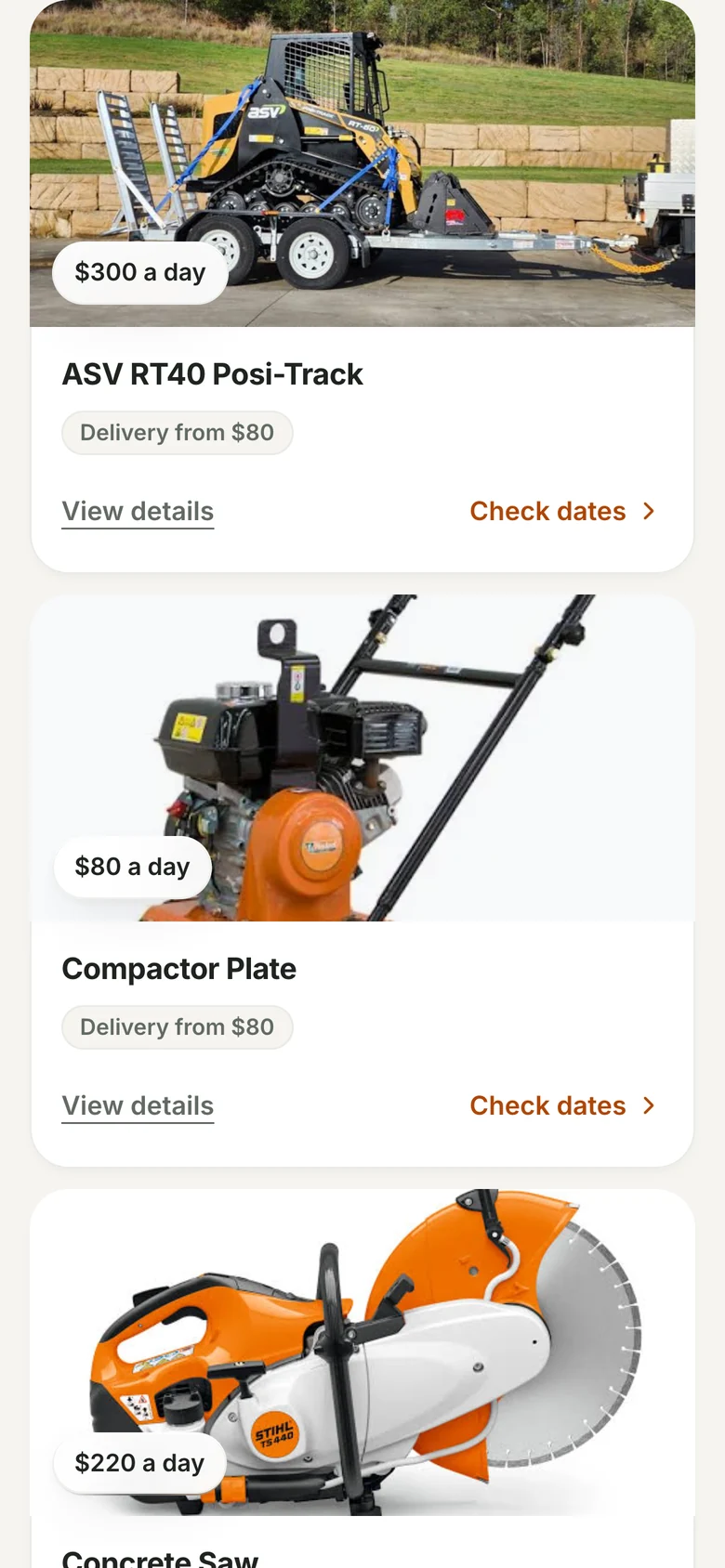
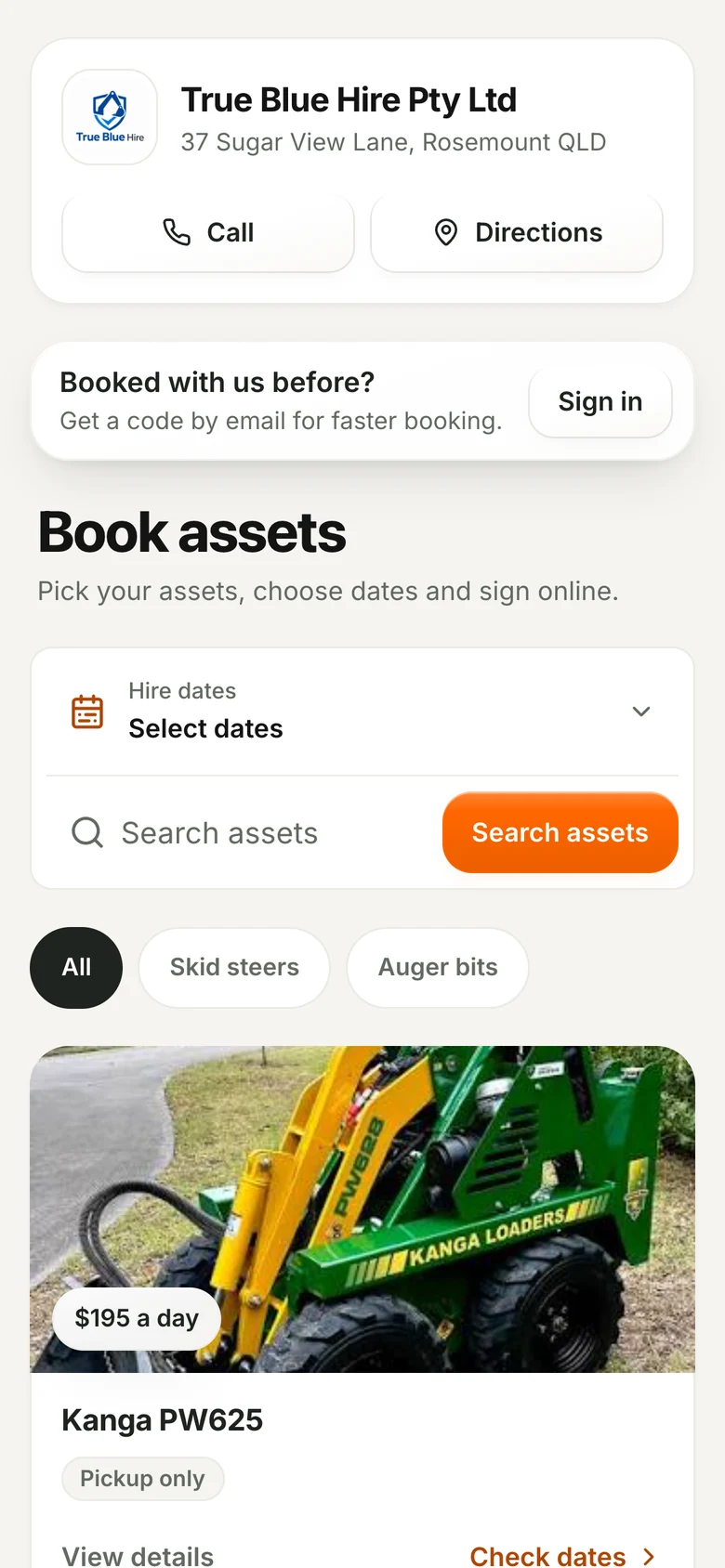
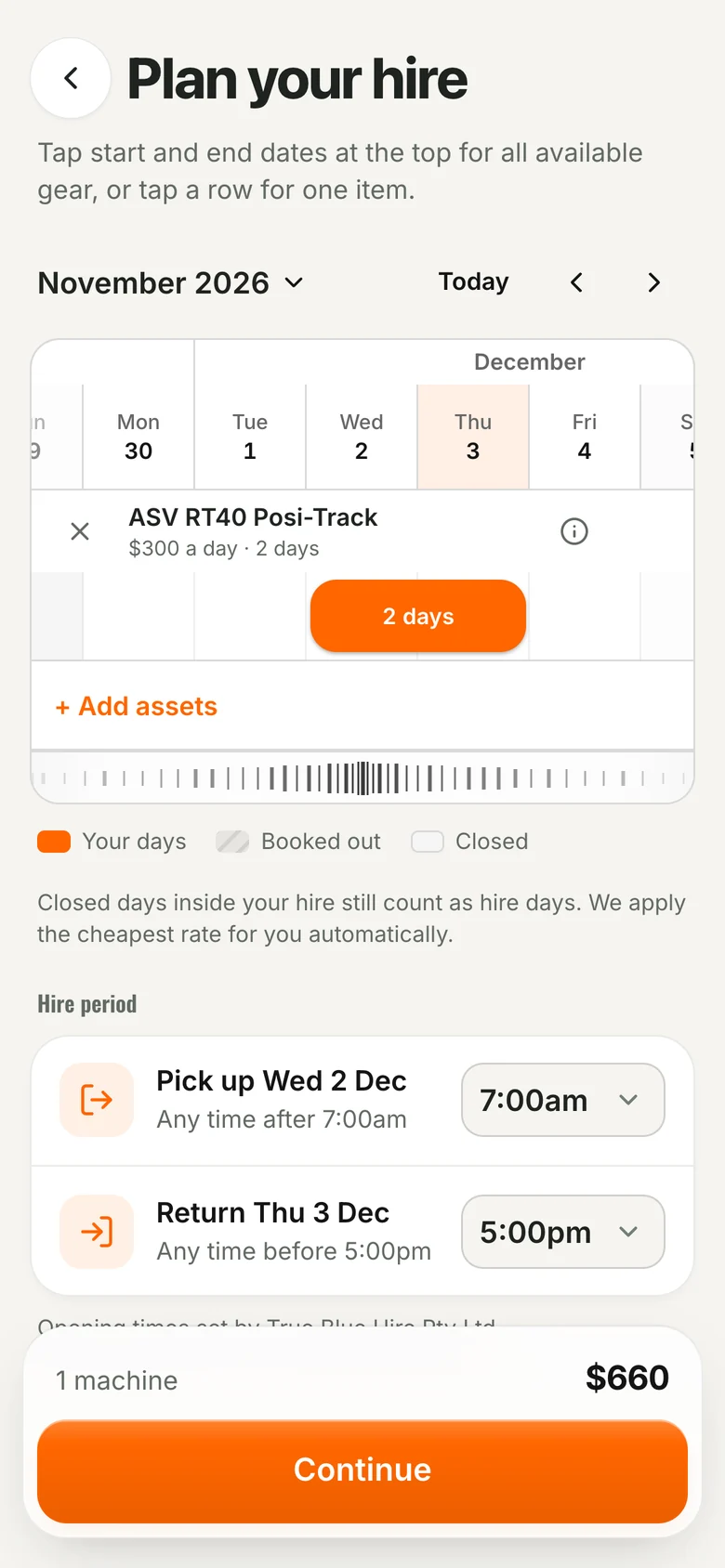
Customer view of an example hire.
What your customers see
Choose the gear
Customers open your link on their phone, browse your equipment and pick what they want to hire.
Pick the dates
They check availability for that machine and choose when they need it.
Review the hire
They check their gear, dates and price before continuing. If delivery needs your approval, you can review the request.