SIMPLE SETUP
A simple start. For your next hire.
Your business details, your terms, your first piece of gear. Start with one agreement and add the rest as you go.
Create free account →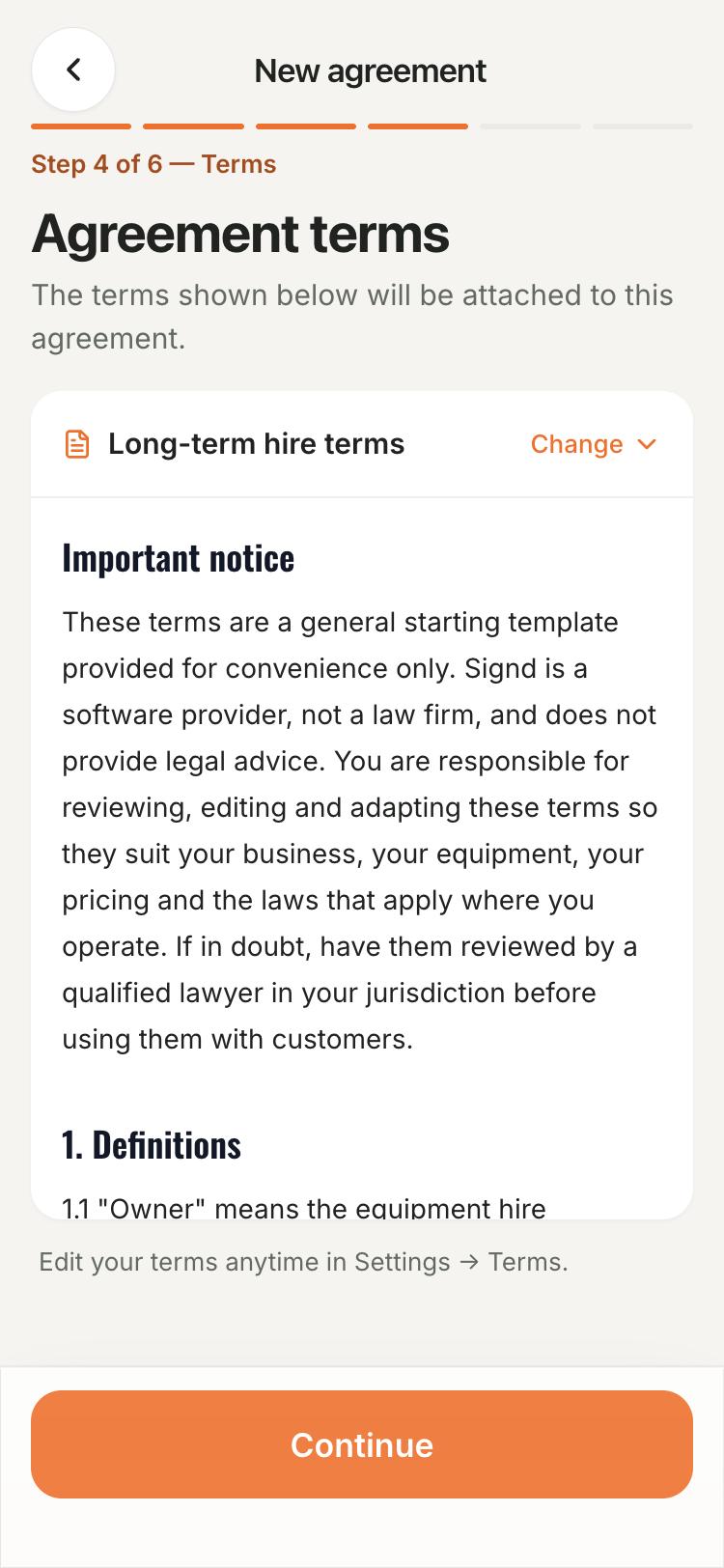
Start free with one terms set and unlimited agreements.
Add the essentials.
Create your account, confirm your email and choose your country and plan. Add your business details and terms, then build your first agreement.
- Check currency, tax and wording before your first send.
- Finish optional steps later in Settings → Setup.
Bring your terms with you.
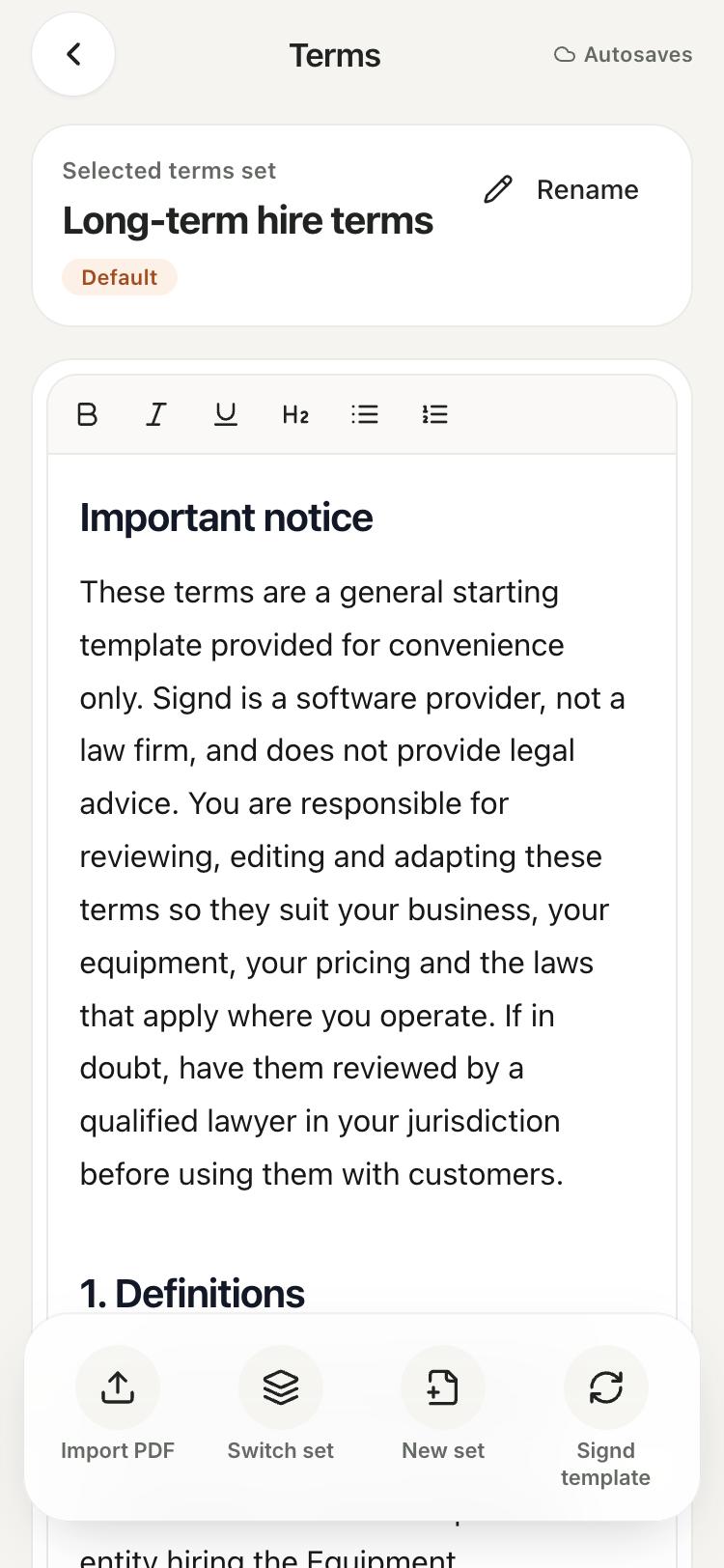
Paste your existing terms, or use Pro to import the text from your PDF into digital agreement terms. Review the imported text before saving.
- Free includes one terms set and Signd's starting template.
- Signed agreements keep the version the customer accepted.
Give it a quick test.
Add one customer and the gear going out. Send yourself a test agreement and follow the signing link on your phone.
- Add the rest of your assets as you need them.
- Connect Stripe when you start using Pro card tools.
How it works
Create your account
Confirm your email and choose your country and plan.
Add details and terms
Check business settings and save your terms.
Build an agreement
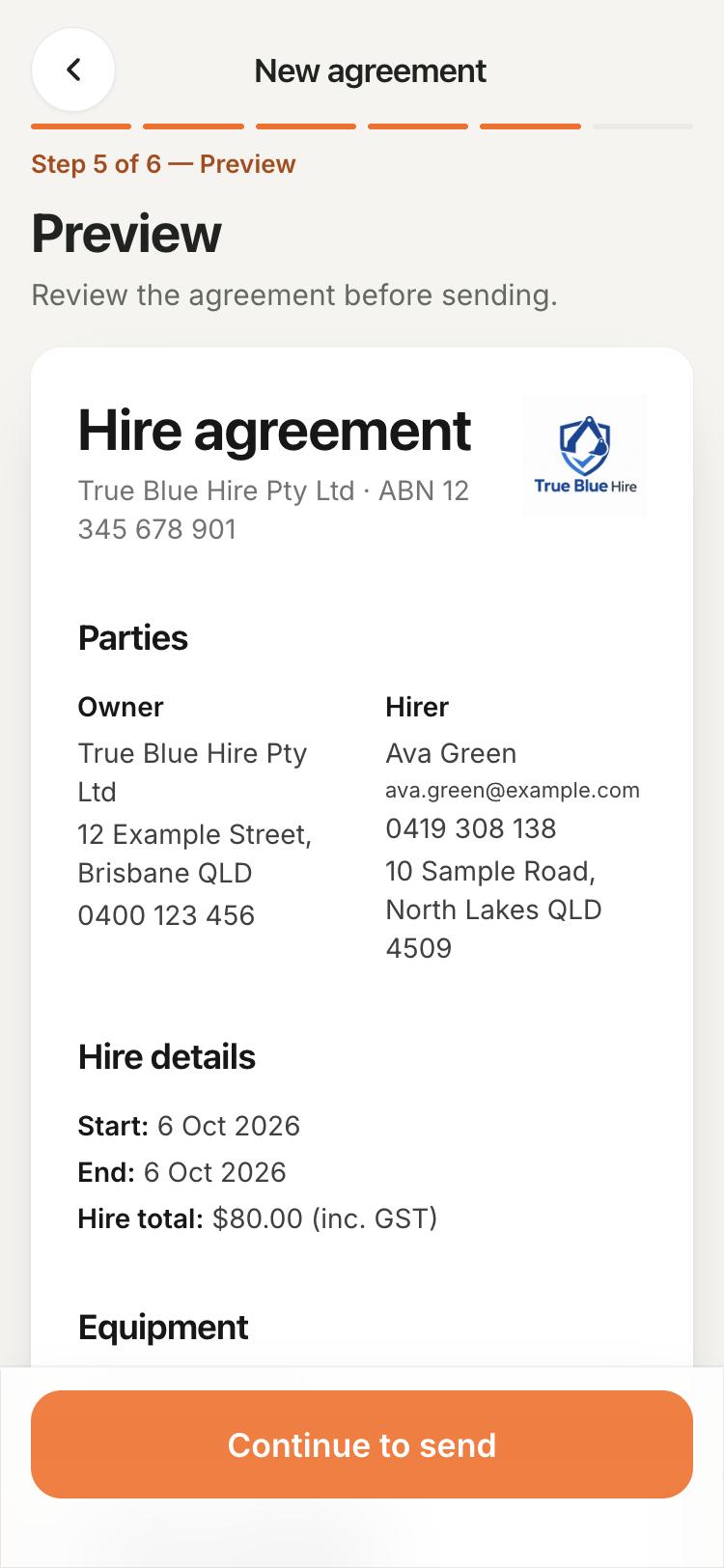
Add a customer and equipment, then preview the document.
Test the signing link
Send it to yourself and check the signed copy.
What's included
Free includes unlimited agreements, customers and assets, with one terms set. Pro adds PDF text import, more terms sets and business tools.
See plans and pricingCommon questions
Do I have to add all my machines first?
No. Start with the gear for one agreement and add more later. Free includes unlimited assets and customers.
Do I need to connect payments to start?
No. Free agreements work without Stripe. Connect it when you need Pro card payments or card on file.
Can I skip parts of guided setup?
Yes. Skip optional steps and return through Settings → Setup. Business details and terms are required before sending.
Does Signd calculate tax rates?
No. Signd applies one rate you choose and supports tax-exempt items. Check the right rate for your location with your accountant.
Hire agreement guides
More ways Signd helps
- Digital hire agreements — Create and sign hire agreements on your phone. Reuse your terms and keep the signed PDF. Unlimited agreements are free.
- Your business in your pocket — Your hire business in your pocket. Manage agreements, bookings, invoices and condition reports from your phone. Start with free agreements.
- Protect your business — Keep signed terms, licence photos and condition reports with each hire. Start with free agreements; add handover tools with Signd Pro.