The mini excavator enquiry checklist that saves a second phone call
"I need a little digger for the weekend" is a start, not a booking. What to ask about the job, site access, attachments and handover before you confirm.
Tom - Founder of Signd
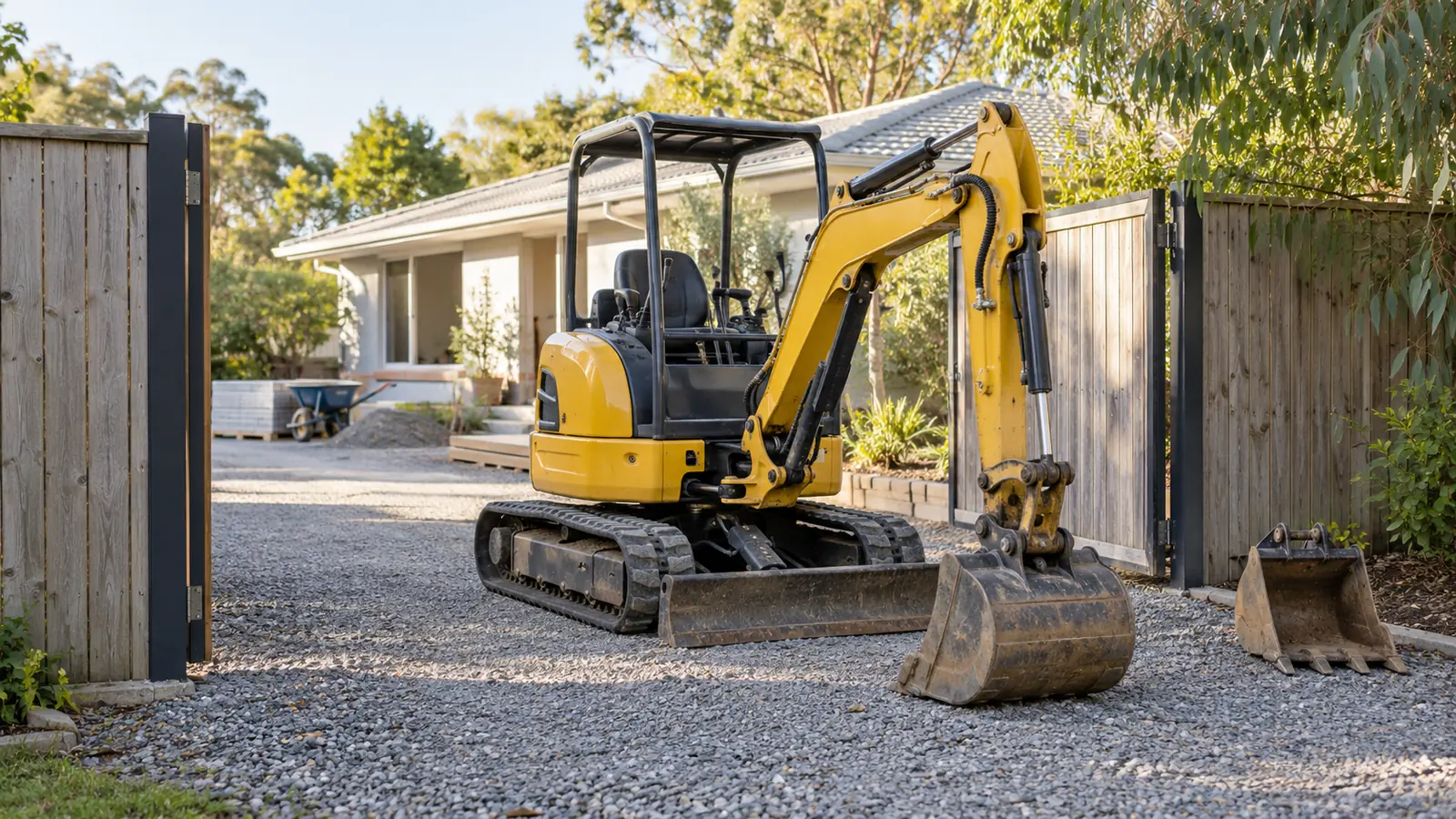
"I need a little digger for the weekend."
It's a common call, and a fine place to start. But the customer is thinking about the hole they need. You need to know about the job, the access, the attachments, the transport and who'll be there when the machine arrives.
Ask now, or you'll be asking on Saturday morning while your driver stands at a gate the machine won't fit through.
This checklist is for building a booking brief your yard can work from. It isn't a site safety assessment, and it doesn't replace the customer's own planning or your usual handover and safe-use information.
Start with the work, not a machine nickname
Customers often ask for "the smallest one" or "the one my mate had". Neither tells you much.
Ask what they're actually doing:
- What's the job? Trenching for drainage, digging footings, levelling for a slab, removing a stump?
- Roughly how much? Trench length and depth, or the size of the area.
- What's the ground like? Sand, clay, rock, roots, old fill?
- When do they need it, and for how long?
The answers point you towards the right machine and attachments. They also flag early if the job sounds bigger than a weekend hire, which is worth discussing before you commit a machine. The final choice still comes down to the actual job and someone competent looking at it.
Get access details you can check
Access is where these bookings most often fall over. Ask for measurements and photos, not "it should fit".
- The narrowest point between the street and the work area: gates, side paths, the gap between a house and a fence. Measured, not guessed.
- Anything overhead along the way: eaves, branches, carports, power lines.
- Steps, kerbs, slopes or soft ground on the route.
- Where a truck or trailer can park and unload.
- Who can answer site questions if something doesn't match on the day.
Photos help, but a photo can't confirm a clearance or tell you whether the ground will take the weight. Check the measurements against the manufacturer's specifications for the actual unit you plan to send. If anything is borderline, get someone competent to look at it before you confirm.
Name the machine and every attachment
"It comes with a bucket" is how arguments start. Write down exactly what's going out:
- the machine, by asset number, not just size
- which buckets, and how many
- any auger, ripper or other attachment
- confirmation that each attachment suits that machine, from the supplier's or manufacturer's information
If the customer changes attachments after booking, update the record so the person prepping the job has the same list the desk agreed to. A kit register makes this easier to check at both ends of the hire.
Confirm who collects, receives and operates it
Get names and mobile numbers for:
- who is collecting it, or who'll be on site for delivery
- who will operate it
- who to call about changes or payment
Then plan how the operator will get familiarisation and safe-use information for that machine.
Safe Work Australia's model Code of Practice on managing the risks of plant (section 3.1) says a business that hires out plant must provide information about operating it safely. Model codes apply where your state or territory has adopted them, so check with your local WHS regulator.
Licence and competency requirements depend on the machine, the work and the state, so don't tell a customer "you won't need a ticket for that". Point them to the right information. Our post on operator ticket clauses covers what to put in the agreement.
Ask about underground services
Ask whether they've requested plans through Before You Dig Australia (BYDA). BYDA's own guidance says the plans show that underground infrastructure is present, not its exact location, and should only be used as a guide. So plans are a starting point, not permission to dig. The detail sits with the customer and the asset owners.
Read the brief back before you confirm
In this fictional example, a landscaper rings about a garden drainage job. Before confirming, the desk reads the brief back:
- Machine: mini excavator MX-02, with a narrow trenching bucket and a standard digging bucket
- When: Saturday 7 am to Sunday 4 pm, delivered to the address given
- Job: trenching for drainage in clay
- Access: side gate measured by the customer and checked against MX-02's specs, nothing overhead, truck parks on the street
- People: Sam operates the machine and meets the driver
- Services: BYDA plans requested
- Still needed: a photo of the side path, then the agreement goes out
Sort anything unconfirmed, like that photo, before you lock in the machine and delivery. And remember the customer's answers are a booking brief, not a safety sign-off.
A reusable enquiry card
Copy this into your booking notes or print it:
- Customer or business name
- Job address
- Site contact name and mobile
- What the job is, and roughly how big
- Dates and times: collection or delivery, return or pickup
- Machine (asset number)
- Attachments
- Measured access details
- Photos asked for and received
- Delivery or collection arrangement
- Who receives it and who operates it
- Questions still open
- Confirmation sent, and when
Where Signd fits
Signd keeps your customers, your assets and signed hire agreements together, free. Once the brief is settled, add the job-site address, a job reference and any notes to the agreement and send it to the customer's phone to sign. Signd Pro adds bookings and a calendar, and can ask the hirer for licence photos when you need them.
Signd doesn't pick the machine or approve the site. That's still your team's call. See Add your gear and rates, Send a hire agreement and Create a new booking.