EQUIPMENT CONDITION REPORTS · SIGND PRO
Know how it left. See what came back.
Photos, checklists and readings, recorded beside the gear. Compare the return with the pre-rental record, all kept with the agreement or booking.
Create free account →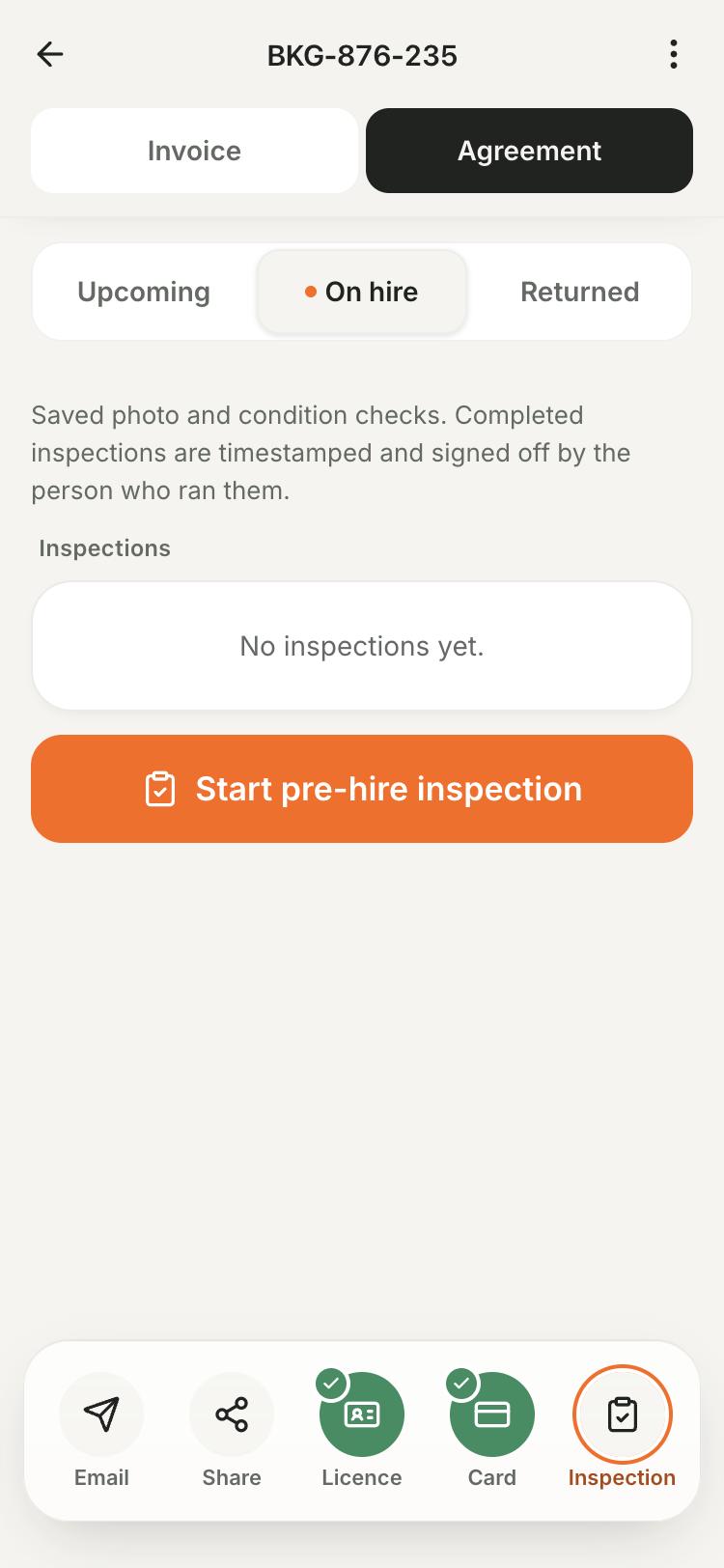
Checklists, photos, readings and optional customer sign-off with Pro.
The right checks for your gear.
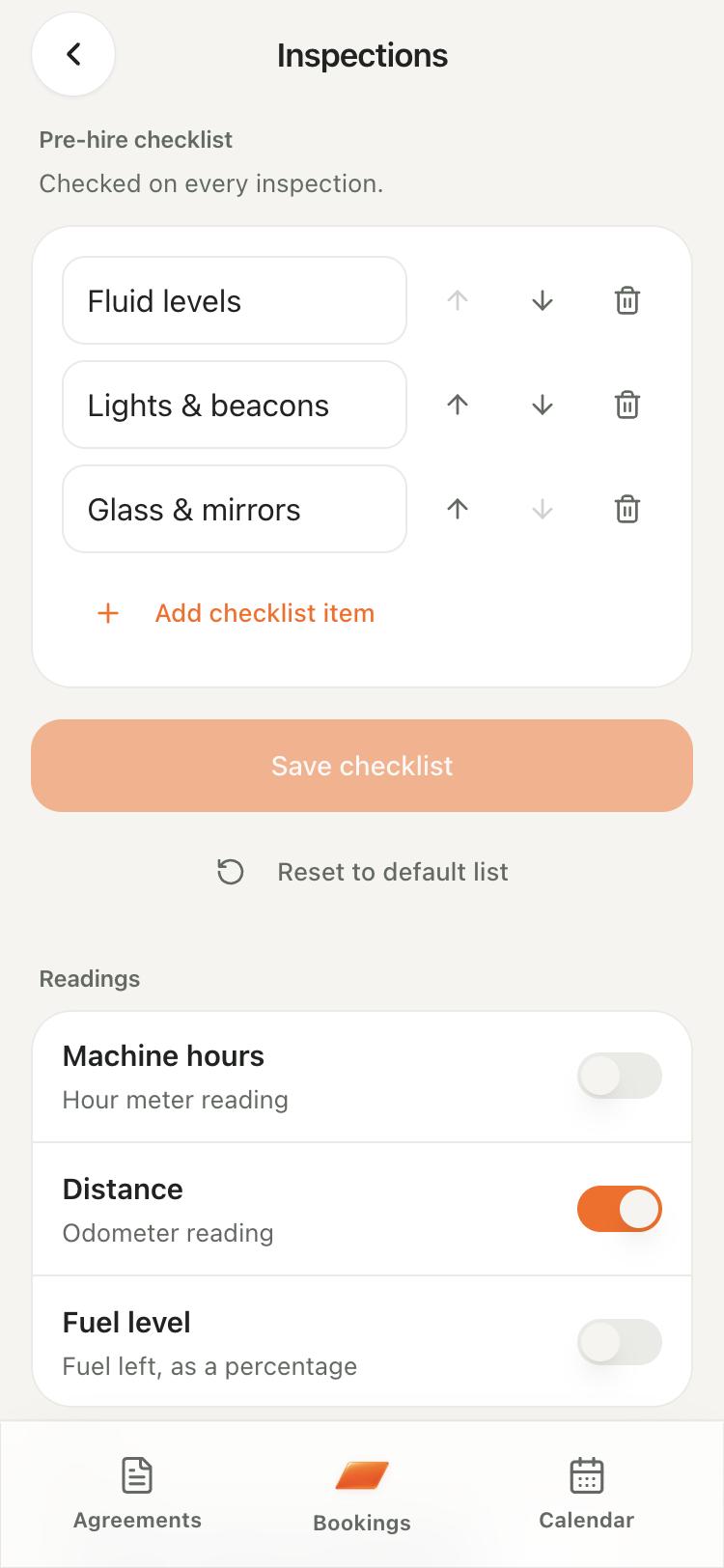
Set a business default or assign a checklist to each asset. Mark items OK, Issue or N/A and record hours, distance, fuel or custom readings.
- Choose kilometers or miles and add units for custom readings.
- Saved inspections retain their original checklist and readings.
Photos that stay with the rental.
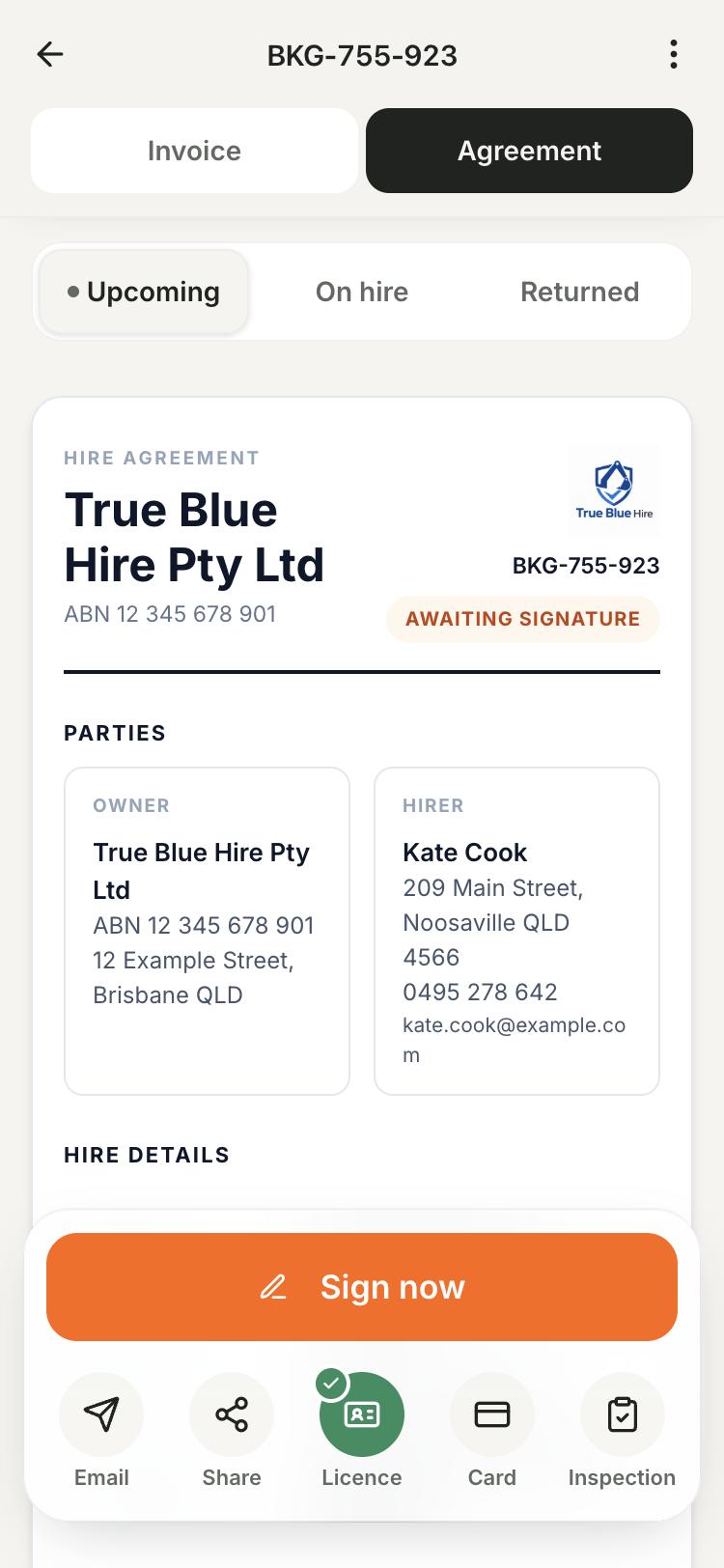
Open Inspection from the agreement or booking to add photos, video and notes. Request a customer signature or email the completed report.
- Up to five photos and one 60-second video per machine.
- Keep Signd open until every upload shows as saved, then complete the inspection.
Compare condition on return.
Compare pre-rental and return photos side by side. Record changes in condition, fuel, hours and accessories while the gear is in front of you.
- Describe existing damage and new issues separately.
- Review any extra charge against your terms before taking payment.
How it works
Open the rental
Choose Inspection on the agreement or booking.
Record the condition
Complete the checklist and add readings, notes and photos.
Save and share
Wait for uploads, add optional customer sign-off and email the report.
Compare on return
Add the post-rental inspection and compare the records.
What's included
Condition reports require Pro. Keep checklists, photos, readings and optional customer sign-off with the rental.
See plans and pricingCommon questions
Are condition reports included in Free?
No. Inspections and condition reports require Pro. Digital agreements are free.
Can the customer sign the inspection?
Yes. Turn on Require customer signature for one inspection or in your defaults. You can also email the report.
What if a photo hasn't uploaded?
Keep the app open and check upload status. Use Retry if needed, then wait for each item to show as saved.
Will the report prove the customer caused damage?
It records observations and media, which may show a change in condition. It does not establish fault, replace insurance or guarantee a dispute outcome.
Rental agreement guides
More ways Signd helps
- Protect your business — Keep signed terms, license photos and condition reports with each rental. Start with free agreements; add handover tools with Signd Pro.
- Your business in your pocket — Your rental business in your pocket. Manage agreements, bookings, invoices and condition reports from your phone. Start with free agreements.
- Digital rental agreements — Create and sign rental agreements on your phone. Reuse your terms and keep the signed PDF. Unlimited agreements are free.