Do a pre-rental inspection
Record your gear's condition with a checklist, readings and photos — before and after the rental.
Step 1: Start the inspection
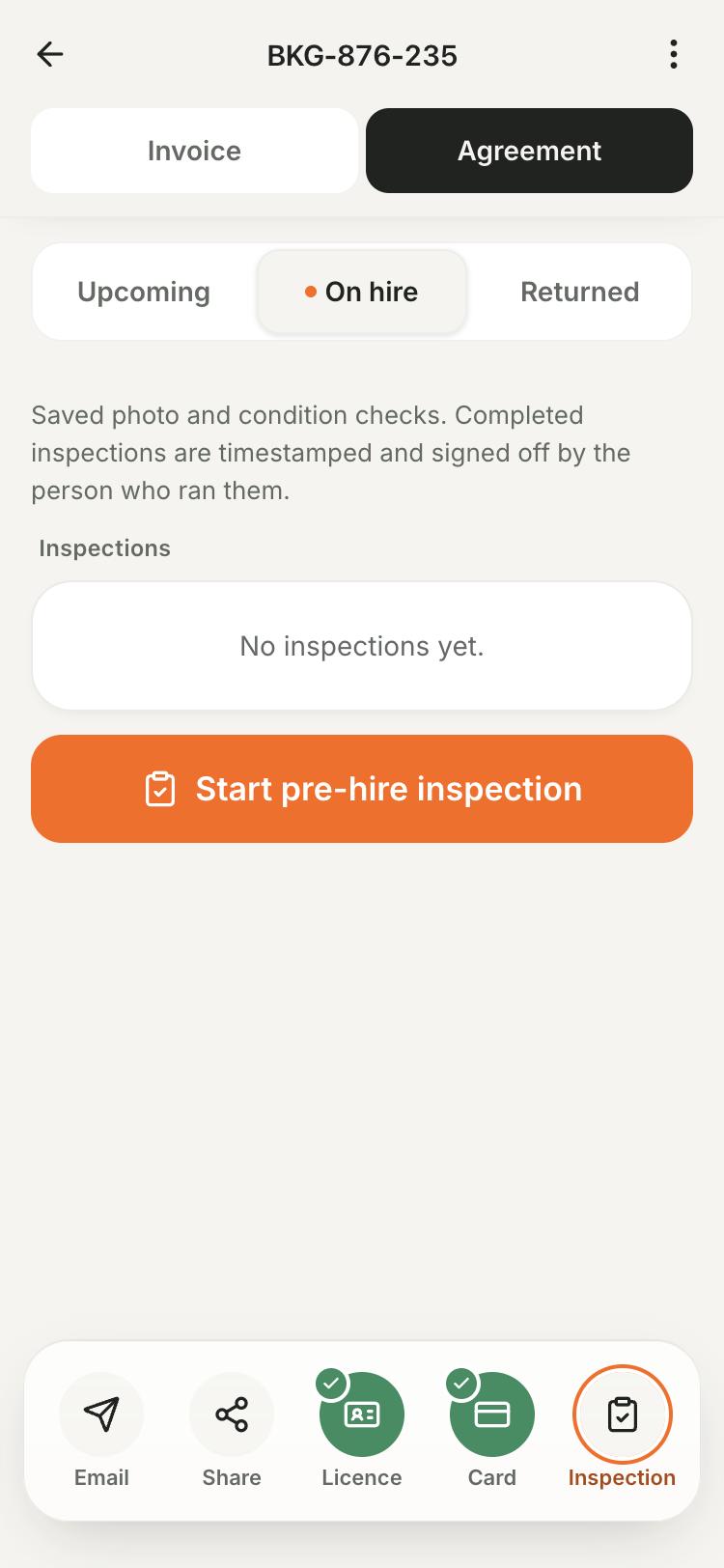
- Open the agreement or booking and tap Inspection.
- Tap Start pre-rental inspection.
Step 2: Check each item
- Mark each checklist item OK, Issue or N/A.
- Chose Issue? Describe what you see.
- Each asset uses its assigned Inspection checklist, or the business default if none is assigned. Create and edit checklists in Settings → Inspections.
Step 3: Add readings
- Enter hours, odometer or fuel level, if you track them.
- For custom readings, choose Enter reading, then enter the value. Use Not applicable when a reading does not apply.
- Tap Save readings. If the asset has custom readings, save the two sections with Save standard readings and Save custom readings.
Step 4: Add photos or video
- Tap Camera to take a photo. It shows straight away, then tap Take another for the next one.
- Tap Photos to pick from your library, or Video for a clip.
- Add up to 5 photos and one 60-second video per machine.
- Each tile shows where it's up to: saving on this device, uploading, then saved. The original stays on your phone until it's saved.
- Didn't upload? It retries on its own a few times, or tap Retry.
- Keep Signd open until uploads finish. They pause if you switch apps and carry on when you come back.
Step 5: Finish up
- Add any notes.
- Turn on Require customer signature if they should sign it.
- Turn on Email report to customer to send them a copy.
- Tap Complete inspection once every photo and video is saved. It's timestamped and saved.
When the gear comes back
- Tap Inspection, then Optional post-rental inspection.
- Compare with the pre-rental photos side by side.
- Note any extra charges. Inspections never charge a card on their own.
Something not right?
Can I change the checklist?
Yes. Go to Settings → Inspections. See Set up inspections.
How long does the customer's report link last?
90 days.