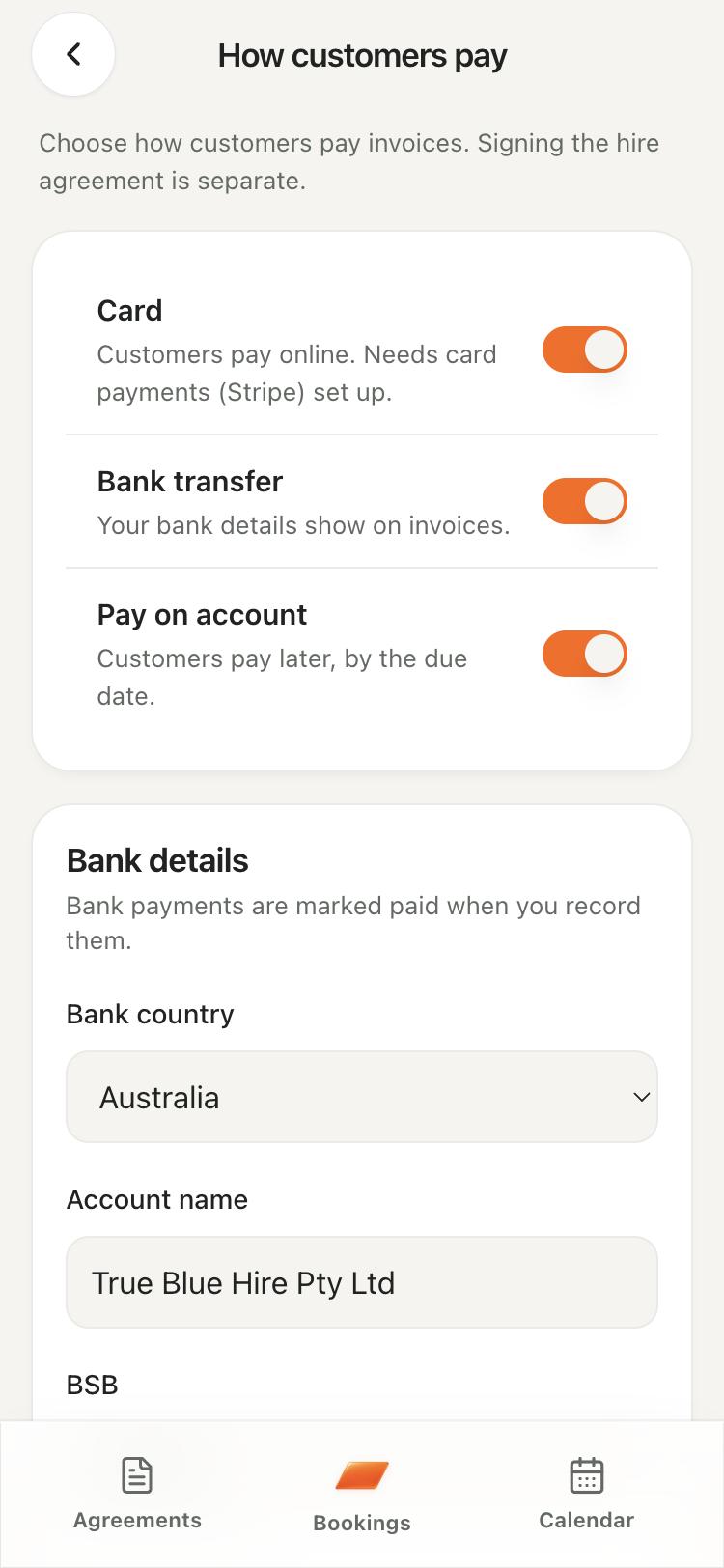
Choose how customers pay
Card, bank transfer or on account — and how many days they get to pay.
Pick your payment options
- Go to Settings → How customers pay.
- Turn on Card for online payments. It needs card payments set up.
- Turn on Bank transfer and add your bank details. They show on invoices.
- Turn on Pay on account for customers who pay later.
- Set Days to pay. It sets the due date on new invoices.
- Tap Save payment options.
Bank transfers show as paid once you record them on the booking.