Add fees and extras
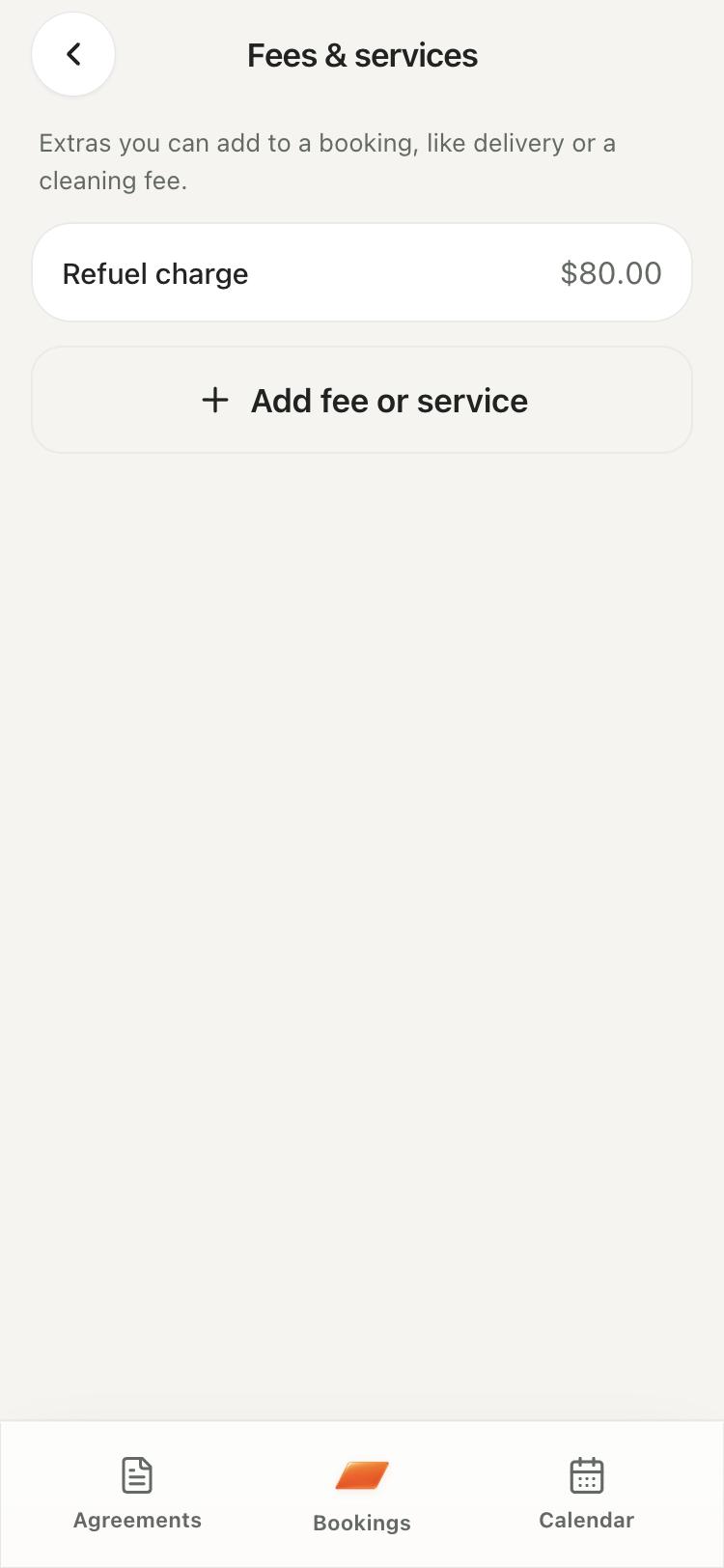
Save extras like delivery, cleaning or refueling so you can add them to any booking.
Add a fee or service
- Go to Settings → Fees & services.
- Tap Add fee or service.
- Give it a name and a default price.
- Tap Save.
Use it on a booking
- On a booking's invoice, tap + Add line.
- Your saved fees show in the list. Tap one to add it.
- You can change the price on each booking.