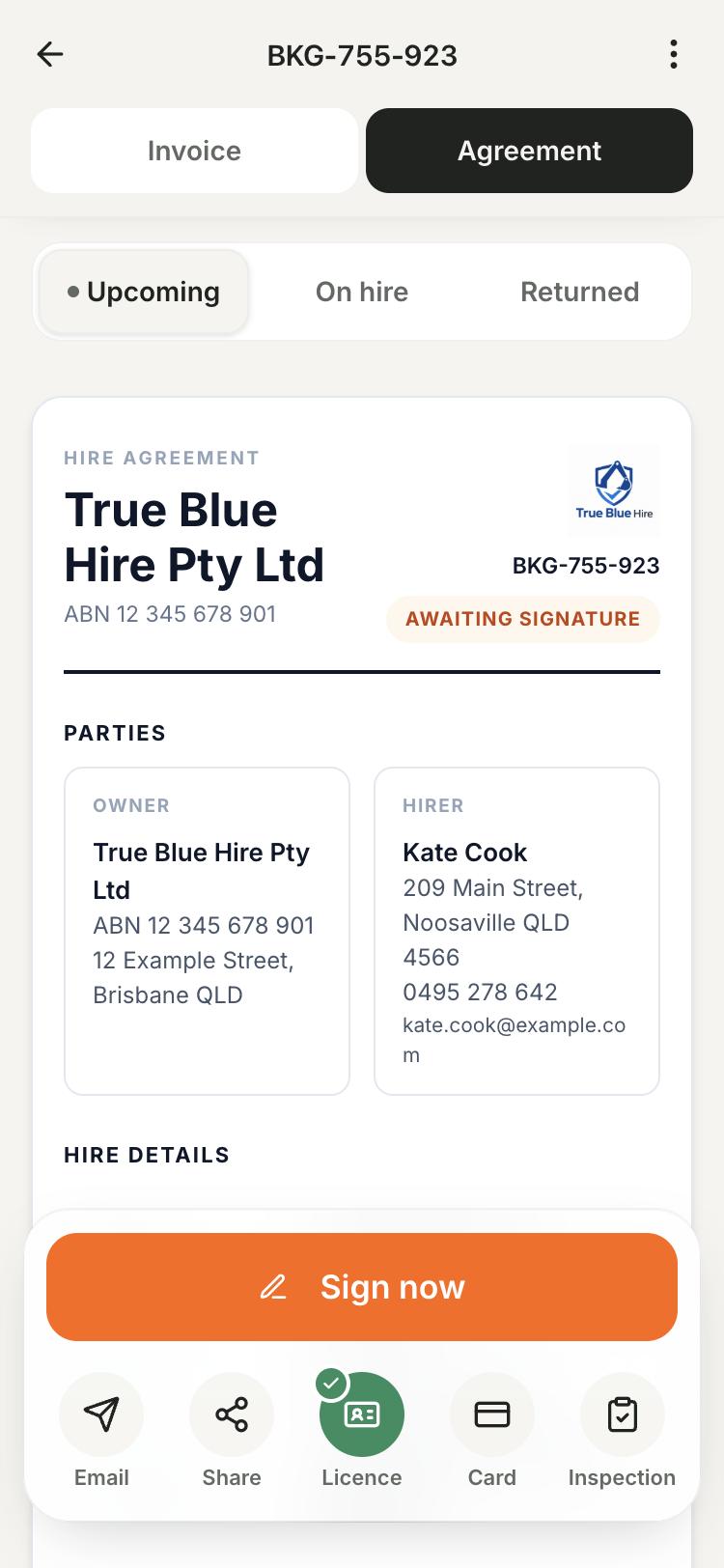
Sign on the spot
Customer standing in front of you? Hand them your phone and sign in person.
Sign in person
- Open the agreement or booking.
- Tap Sign now.
- Hand over your phone. Your customer adds their details, licence and card if needed.
- They sign with a finger and tap Submit signature.
- Tap Close to come back. It now shows Signed.
Great at the counter on a tablet. The customer still gets a signed copy by email.