Find a booking
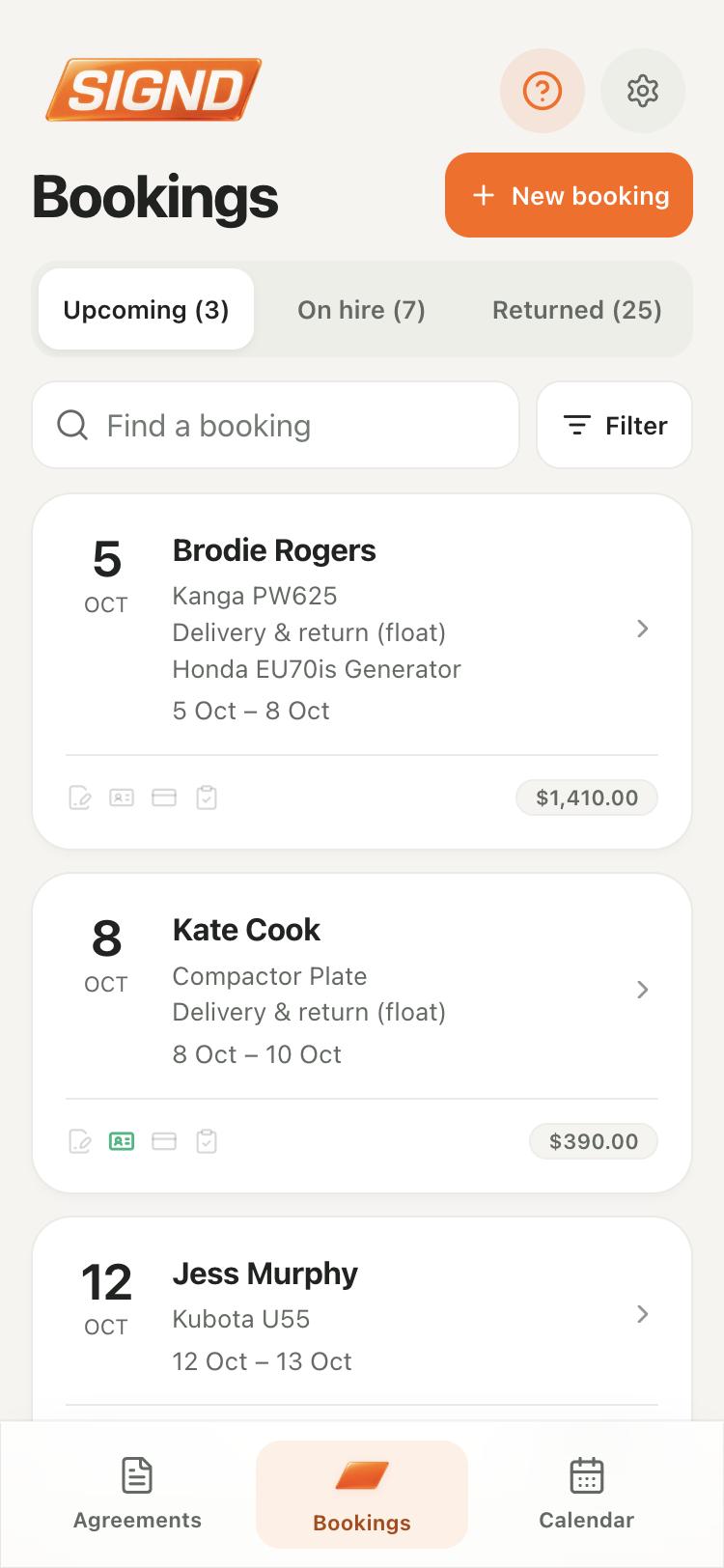
Upcoming, on hire and returned — plus search, filters and what the little icons mean.
The three tabs
- Upcoming: bookings that haven't gone out yet.
- On hire: gear that's out now.
- Returned: finished and cancelled bookings, newest first.
- Search by customer name or booking number.
- Tap Filter for Unpaid only or Delivery / collection.
A booking only moves when you set its status: On hire when the gear goes out, Returned when it comes back. Dates never move it.
What the icons mean
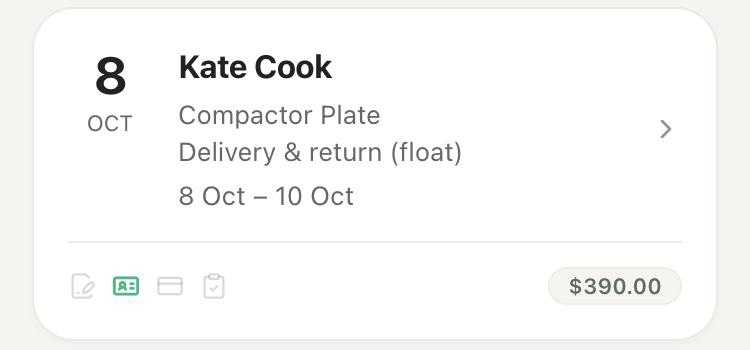
Each card has four small icons. They turn green when done.
- Agreement signed
- Licence added
- Card on file
- Pre-hire inspection complete
- The price turns green once it's paid in full.