What belongs in a skip bin hire agreement before you drop the bin
Fill line, weight and contamination. What belongs in a skip bin hire agreement before the truck leaves.
Tom - Founder of Signd
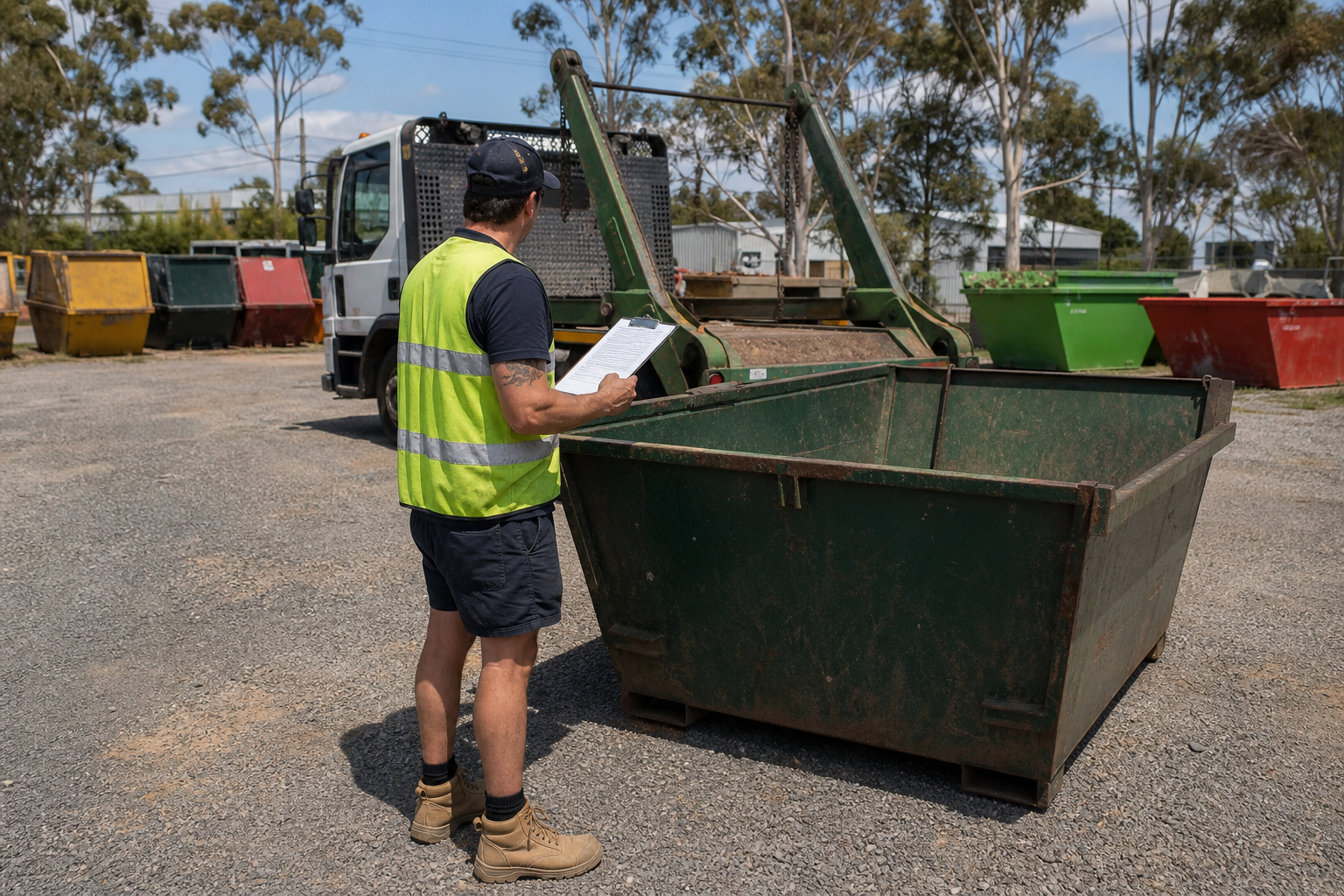
Skip bin fights are usually the same three things: what went in, how heavy it is, and whether the truck can legally take it.
If that is not in the hire agreement (some customers call it a rental agreement), you argue about it on the nature strip.
Public skip-bin terms around Australia hit the same points: fill to the rim, stay under the weight, no prohibited waste, and extra charges or a refused collection if they get it wrong (Hire Skip terms; Dump It Bins terms; Local Skip Bin Hire terms).
This is skip bins only. A yard checklist, not legal advice.
1. Write the job down
Name the customer, the address, the bin size, and how many days it sits.
What to spell out
- Legal name and a mobile that gets answered
- Delivery address and where the bin can sit
- Bin size
- Hire days, and what an extra day costs (your real extra, not a number copied off another website)
- The bin stays where you dropped it
- No access or a blocked bin = wasted trip, written
Why it protects you
If access is wrong, the driver turns around. The agreement is what you invoice against.
Send that as the hire agreement before the truck leaves. Licence capture with Signd Pro (licence photos) so you know who booked it. They sign. Auto-file it.
2. Fill line and weight
Operators say this in different words: fill to the rim, nothing sticking out, stay under the weight for that size.
Hire Skip says they can refuse an overweight bin or charge extra if they still take it (Hire Skip terms). Dump It Bins treat anything above the rim as overloaded, and collection is at the driver's discretion (Dump It Bins terms).
What to spell out
- Fill to the rim
- Nothing protruding
- Weight limit for that size
- Driver can leave an unsafe or overweight load
- If you still take it, extra disposal or a waste-type upgrade is on them
Why it protects you
Overloaded bins are a road-safety problem, not just a mess at the tip.
With a Signd Pro inspection, photos at drop-off and pickup sit with the signed hire agreement.
3. Contamination
This is the expensive one.
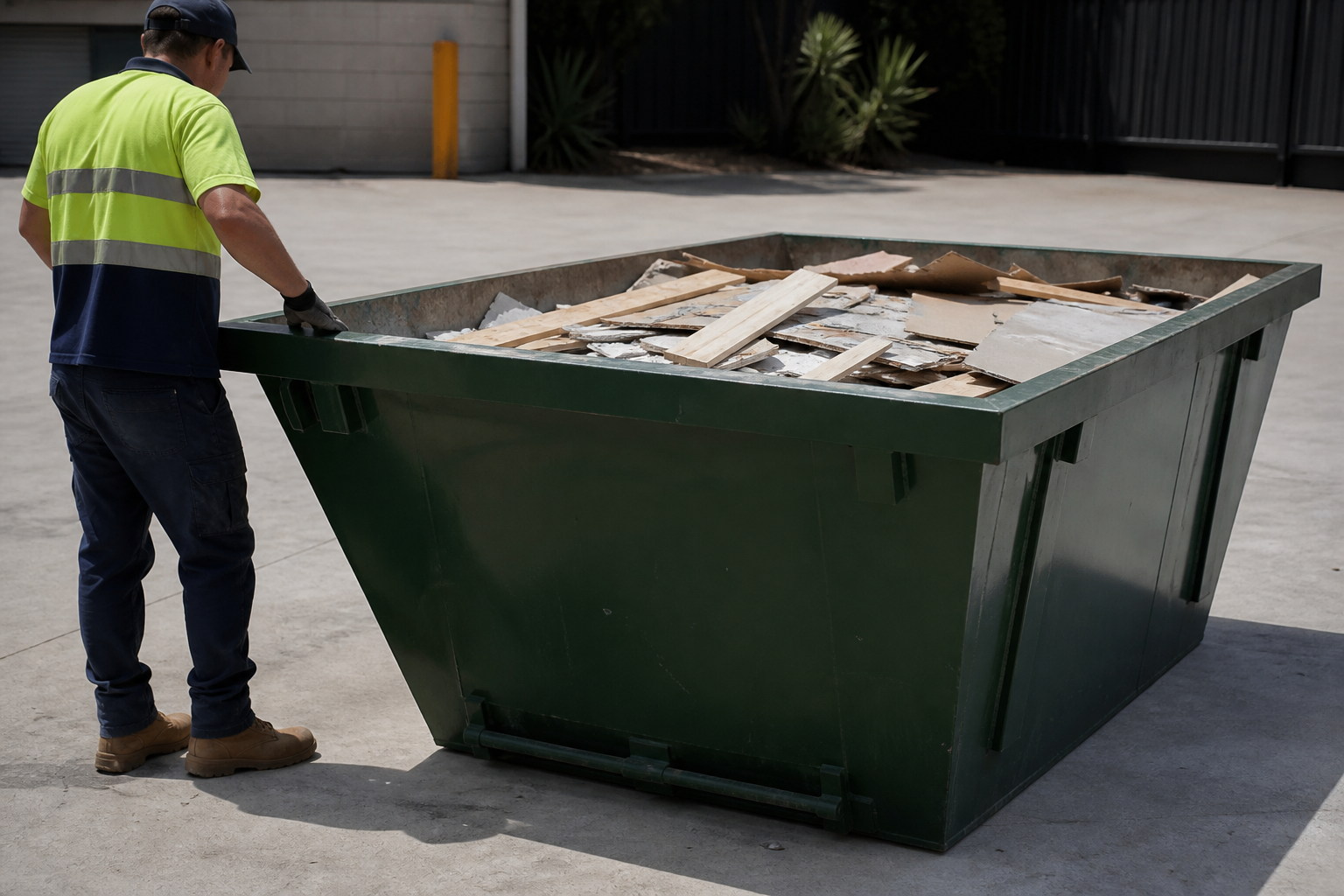
Skip operators commonly refuse or re-handle asbestos, tyres, liquids, paint, batteries, food and wet concrete. Your no-list should match what your landfill will actually take (Westbin terms; Budget Bins terms; Local Skip Bin Hire terms).
Do not paste another company's asbestos fee into your contract because you saw it online. Use your own.
What to spell out
- Booked waste type (general, green, mixed building, and so on)
- Your no-list
- Wrong type: leave it, they pull the bad material, or you collect it and charge the extra
- Asbestos is its own job, and your real wrap-and-collect process
Why it protects you
The signed hire agreement is what you point at when the load is not what they booked.
Keep the photos and the signature in one file.
4. Damage, permits, then send it
The bin is in their custody once it is on site.
What to spell out
- Damage beyond fair wear is on them
- Verge or road = they get the permit
- Send the hire agreement to their phone or email
- They sign before the truck leaves
- Changes (extra days, different waste, second bin) mean a new send, not a verbal yes
Why it protects you
A PDF in a confirmation email that nobody signed is not an agreement.
Signd handles that last step: send the hire agreement, they sign, auto-file. Signd Pro adds licence photos, bookings and the calendar.
5. Yard card
Check these before the truck rolls:
- Customer, address, bin size, days
- Fill line and weight
- Waste type and no-list
- Access and wasted trip
- Signed agreement in the file
Empty box = the bin stays.