Get started with Signd
Create your free account and send your first rental agreement in minutes.
Step 1: Create your account
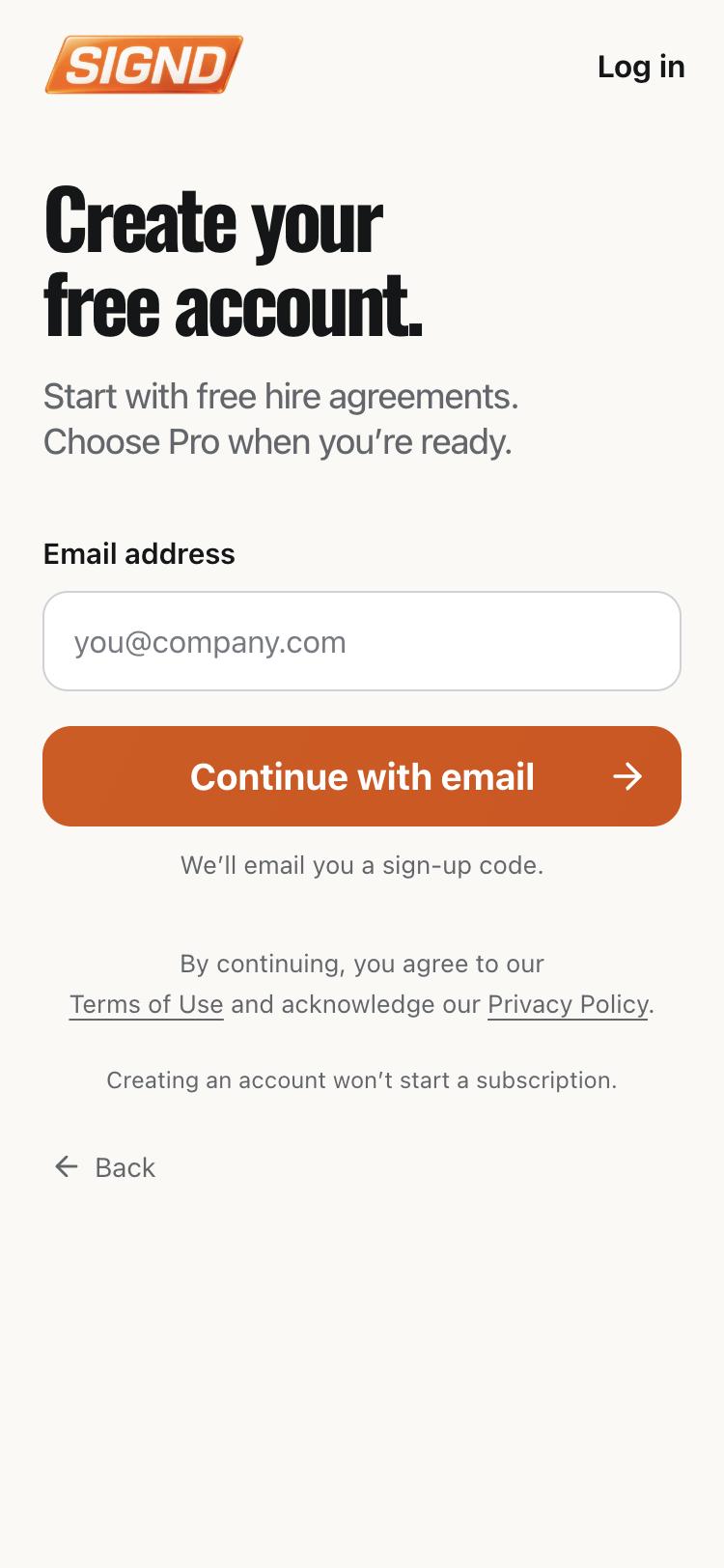
- Go to signd.com.au and tap Get started.
- Enter your email address.
- Tap Continue with email.
- Check your inbox. Type the 6-digit code to finish.
No password needed. Signd emails you a code each time you sign in.
Step 2: Pick your country and plan
- Choose where your business is. It sets your currency, tax and wording.
- Tap Start 7-day free trial to try Signd Pro.
- Or tap Continue with Free. Rental agreements are free and unlimited.
- No charge today. Cancel any time in Settings → Plan.
In the US and Canada, Signd uses rental wording. You can switch it any time.
Step 3: Set up your business
- Set up with Signd asks one short question at a time and saves each answer when you tap its button. Prefer a form? Tap Set up manually.
- Type a question any time and Signd Assistant answers. Its answers are guidance only: nothing changes until you tap a setup card's button.
- Add your business name, phone and address.
- Check your currency, tax and Hire or Rental wording.
- Add your rental terms. Use the Signd template, write your own, or on Pro upload a PDF and check it before you save.
- Add the gear you rent out. You can add more later.
- On Pro, connect Stripe for card payments and Xero for your books.
Not sure yet? Tap Skip for now, or type finish later. Business details and terms are needed to send agreements; everything else can wait for Settings → Setup.
Step 4: Send your first agreement
- Tap Agreements, then New agreement.
- Try Send a test agreement to yourself first. You'll see what your customers see.
- Then follow Send a rental agreement.
Free or Pro?
- Free: unlimited rental agreements, customers and assets. Email or link signing.
- Signd Pro: bookings, invoices, the calendar and card payments.
- Pro also adds license photos, card on file, inspections, Xero and team members.
- See Your plan and billing for prices.
Something not right?
Do I need a password?
No. Signd emails you a 6-digit code each time you sign in.
I didn't get the code
Check your spam folder. Wait 30 seconds, then tap Resend code. Check your email is spelt right.
Is it really free?
Yes. Rental agreements are free and unlimited. Pro is optional and starts with a 7-day free trial.
Can I use Signd on a computer?
Yes. Signd works in any browser on a phone, tablet or computer. There are phone apps too.