Invite your team
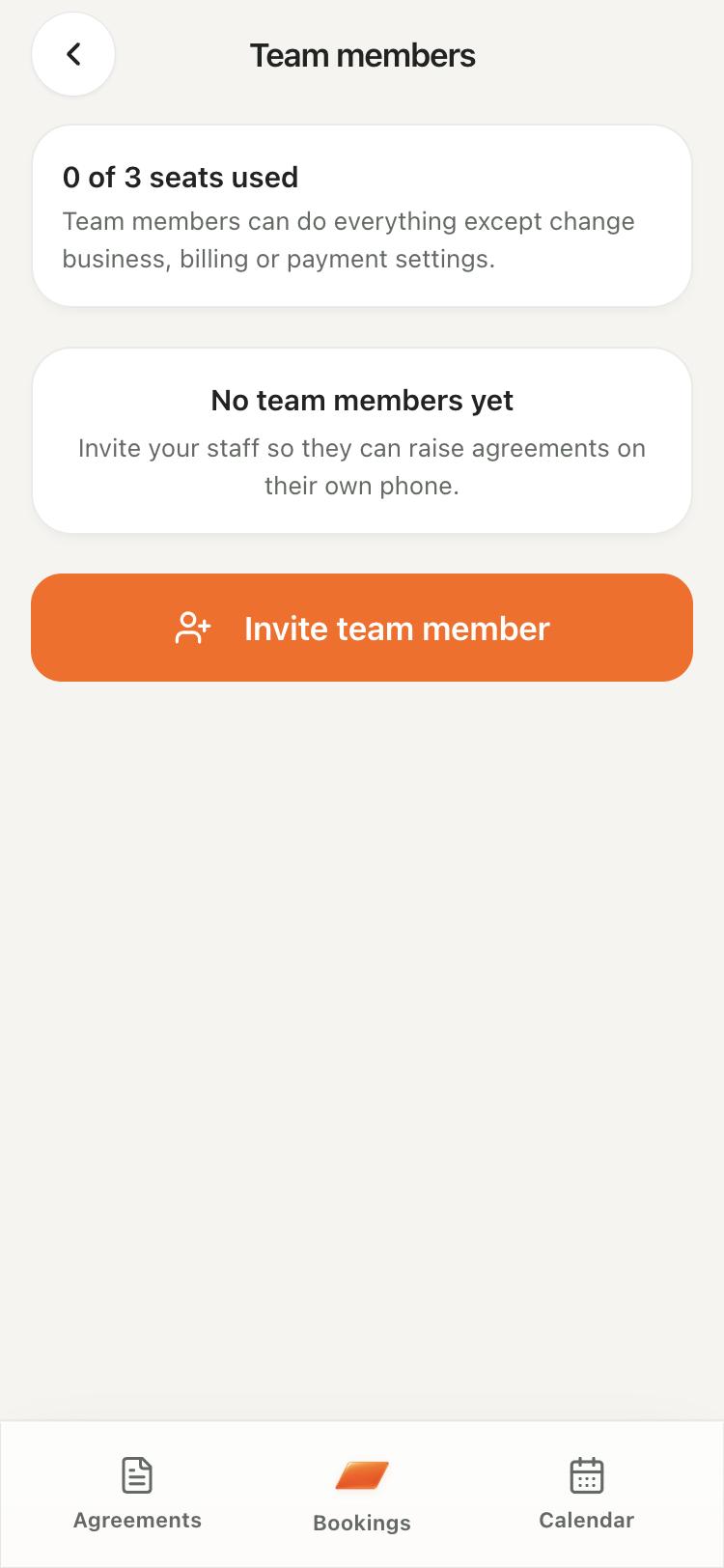
Give up to 3 staff their own login. They can do everything except billing and business settings.
Invite someone
- Go to Settings → Team members.
- Tap Invite team member.
- Enter their email and tap Send invite.
- They get an email. The link lasts 7 days.
How they join
- They tap the link in the email.
- They enter their name and create a password.
- They tap Join the team. They're in.
What team members can do
- Create agreements and bookings, take payments and do inspections.
- They can't change billing, your plan, payment or business settings.
- Remove someone and they lose access straight away. Their work stays with you.
Something not right?
Can I add more than 3 people?
Pro includes 3 seats. Remove someone to free a seat, or email support.
The invite expired
Cancel the pending invite and send a new one.