Sign in to Signd
Sign in with a code sent to your email. No password needed.
Sign in with a code
- Enter your email address.
- Tap Send sign-in code.
- Open the email from Signd and type the 6-digit code.
- Tap Verify & sign in.
Set a password earlier? Tap Use my password instead.
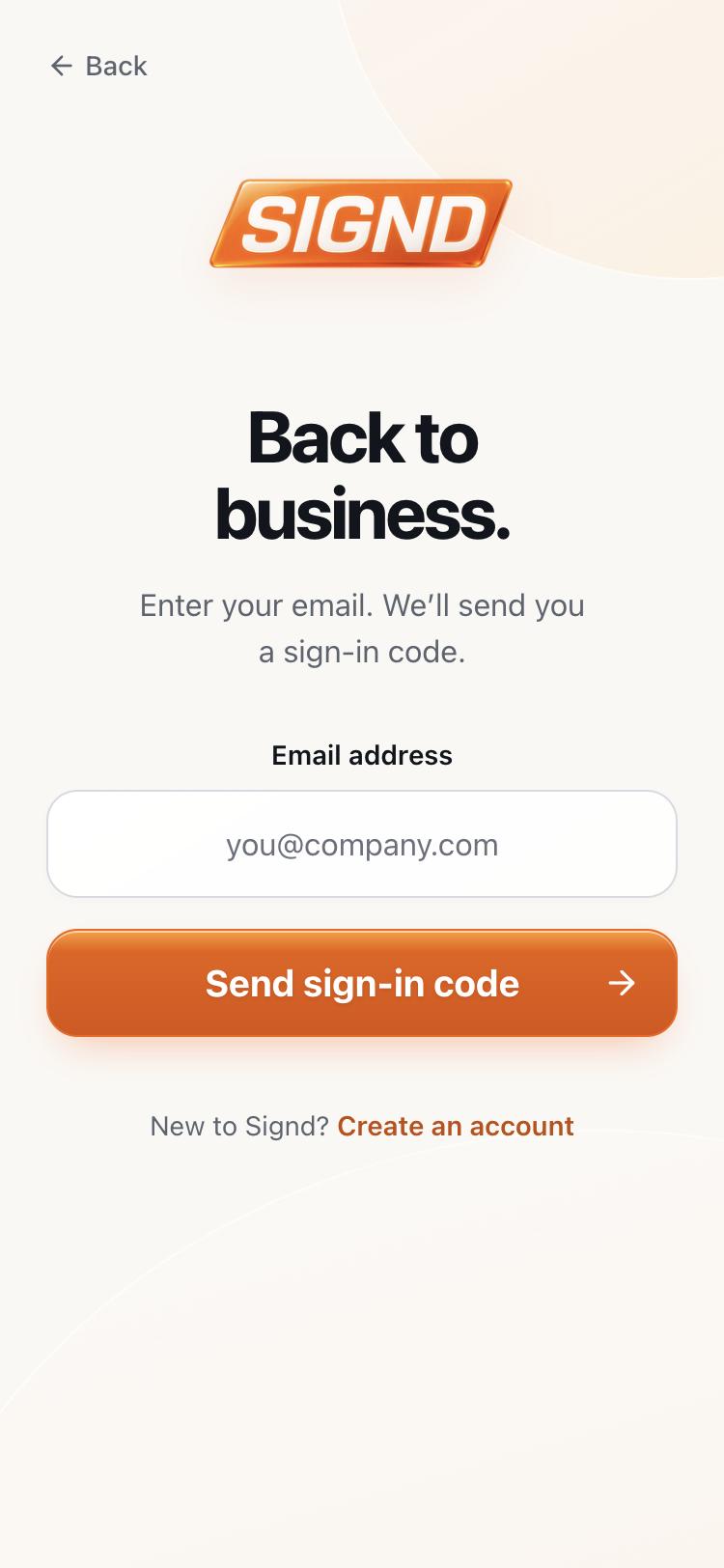
On the phone app
- Sign in with an email code on the phone app.
Two-step sign in
- If your account uses two-step sign in, you'll see Two-factor verification.
- Tap Email me a code, or open your authenticator app.
- Type the code and tap Verify.
Something not right?
My code doesn't work
Codes expire quickly. Tap Resend code and use the newest email.
It says too many attempts
Wait a few minutes, then try again.
It says no account found
Check the email address. New to Signd? Create your free account at signd.com.au first, then sign in.
I've lost access to my email
Email support@signd.com.au from another address and we'll help.