What Every Pre-Hire Condition Report Should Include to Protect Your Equipment
Protect your gear with a professional pre-hire condition report. Learn what to include and how a Signd Pro inspection helps you protect your kit.
Tom - Founder of Signd
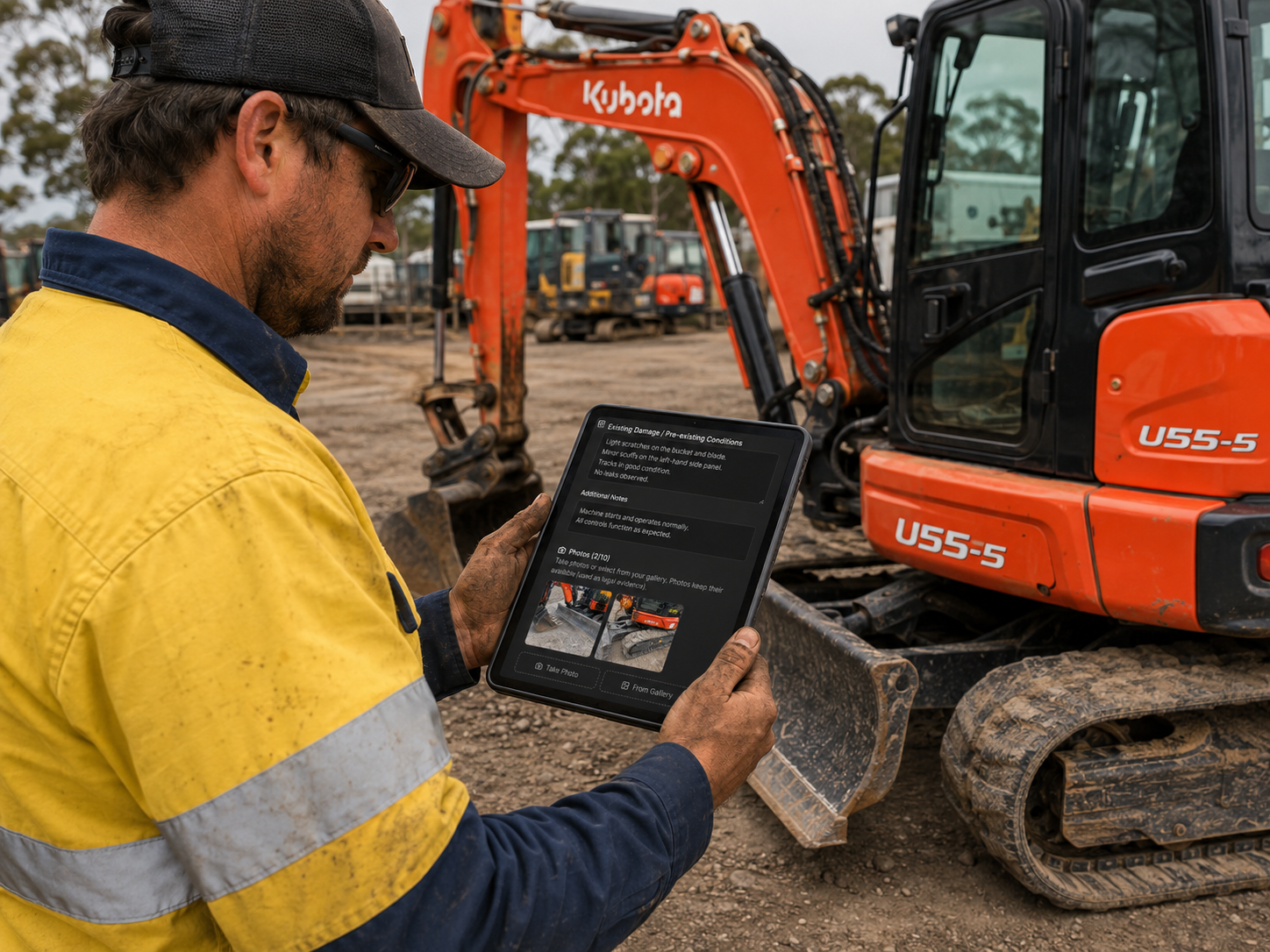
Your equipment is your livelihood. When a machine returns with a smashed light, a bent boom, or a cabin full of mud, you need proof of its original state.
The difference between a self-funded repair and a successful damage claim is the quality of your pre-hire condition report. A vague note won't hold up in a dispute. You need a standardized, evidence-heavy process.
Here is exactly what every pre-hire condition report needs to protect your assets.
Asset Identification
Accurately identifying the asset ensures the report is legally linked to the specific machine on the contract.
- Make, Model, and Serial Number: Essential for insurance and internal tracking.
- Asset ID: Your internal fleet number.
- Current Hour Meter or Odometer: Critical for maintenance scheduling and proving if the machine was overworked.
The Maintenance Checklist
A condition report proves the machine was fit for purpose when it left the yard. Include these checks:
- Fluid Levels: Confirm oil, coolant, and hydraulic fluid are topped up.
- Grease Points: Note that all primary pivot points have been greased.
- Tyres and Tracks: Check for cuts, tread depth, and pressures.
- Safety Features: Confirm beacons, horns, and emergency stops are working.
The Power of Visual Evidence
Photos are your best witness. If a dispute reaches a legal or insurance stage, a timestamped photo is some of the strongest evidence you can have.
Take high-resolution photos of:
- All Four Sides: Front, back, and both sides for an overall view.
- High-Wear Areas: Buckets, blades, tracks, and hydraulic lines.
- The Cabin: Prove the interior was clean and the glass was intact.
- Existing Damage: Photograph pre-existing scratches so the customer knows they won't be blamed.
Why use a Signd condition report?
Signd puts the entire process on your mobile. You can do the whole inspection on your phone in the yard: checklist, readings, photos and notes.
- Linked to Agreements: All reports are automatically linked to the customer and their Signd digital hire agreement for instant reference.
- Your Checklist: Set the items you check before every hire in Settings → Inspections.
- Timestamped Proof: Take pictures before the gear leaves. Each inspection is timestamped and saved, so you have a clear record if damage is disputed.
- Customer Sign-Off: Turn on Require customer signature if you want them to sign the inspection.
- Post-Hire Reporting: Easily complete post-hire reports to document new damage, cleaning fees, or refueling charges.
Protect your fleet and stop the disputes. Inspections are part of Signd Pro. Try Pro free for 7 days and see Do a pre-hire inspection.