What to put in a plant hire agreement before the machine leaves the yard
If the machine is on the float and they have not signed, you do not have a hire. What to lock into a dry hire agreement before it leaves the yard.
Tom - Founder of Signd
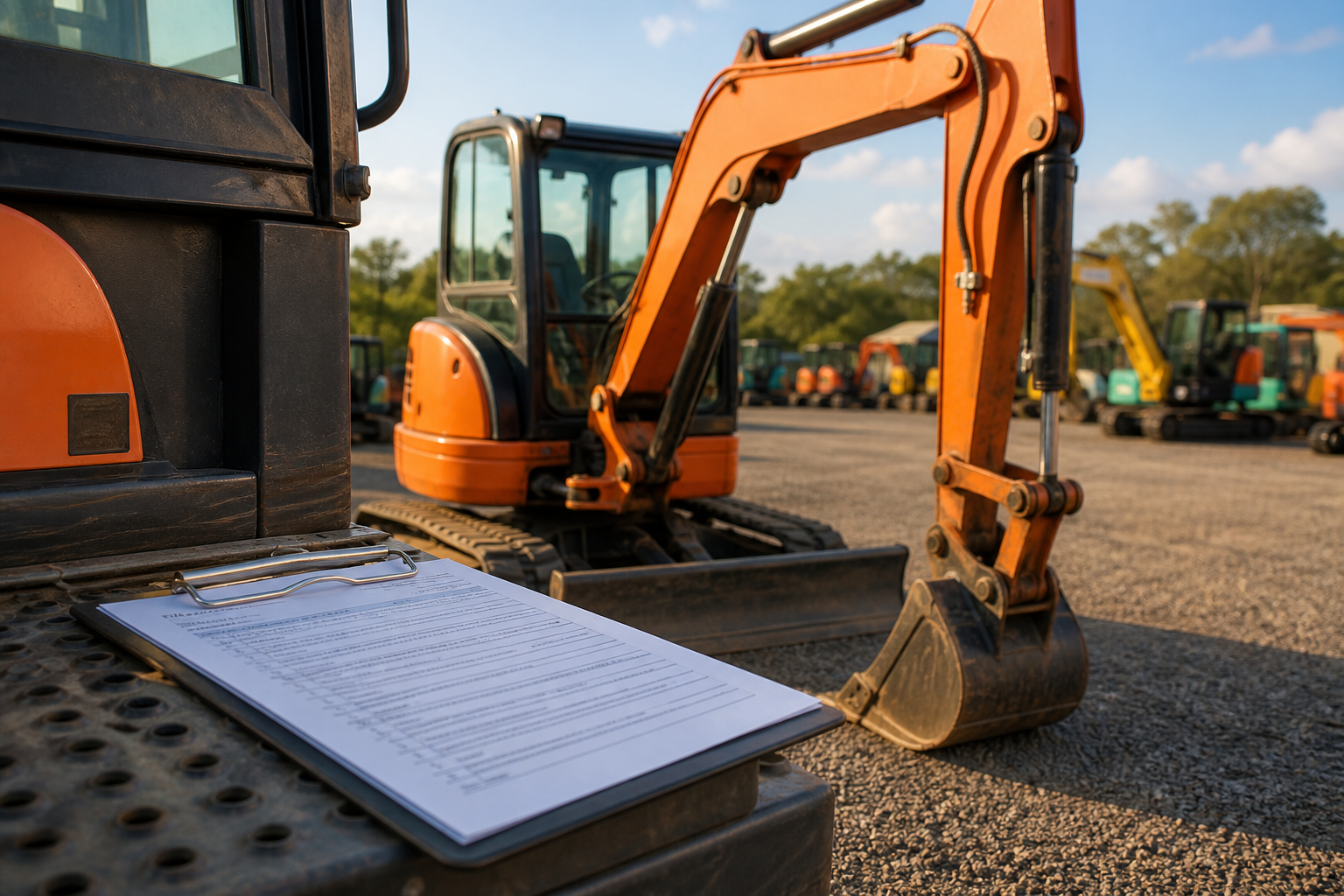
If the excavator is on the float and they have not signed, you do not have a hire. You have a hope.
This is for plant hire. Dry hire: you send the machine, they bring the operator. Same document is often called a hire agreement or a rental agreement.
Australian dry-hire guidance says the same things keep coming up: identify the plant, record condition, say who operates it, and write down damage, breakdown and insurance before it leaves the yard (Sprintlaw dry hire template; Maptrack plant hire template).
1. Name the parties and the machine
"5 tonne excavator" is how fights start.
What to spell out
- Legal name, ABN, a mobile that gets answered
- Make, model, serial or asset number
- Attachments on the machine
- Hour-meter reading at handover
- Dry hire in one line: no operator from you
- Start time, expected off-hire, how extras work
- Rate, float, fuel, cancel after it is loaded
Why it protects you
If the agreement does not say which machine left and who took it, you cannot prove the job later.
Send the hire agreement to that mobile. Licence capture with Signd Pro (licence photos) so you know who collected it. They sign. Then you load.
2. Condition in and condition out
Do not rely on a vibe. Point the agreement at a condition report.
Australian dry-hire templates treat a signed pre-hire checklist with photos as standard, not optional (Sprintlaw dry hire template; Maptrack plant hire template).
What to spell out
- Photos in: tracks, bucket teeth, glass, lights, hitch, existing dings
- Same photos out
- What you treat as fair wear
- Missing parts, vandalism, damage beyond wear sit with the hirer
- Filthy return or empty tank: your fee, written now, not invented at the gate
Why it protects you
That is the "it was already like that" argument, settled before the float moves.
Keep the photos with the signed hire agreement in a Signd Pro inspection. Auto-file the pack so you are not hunting WhatsApp on Monday.
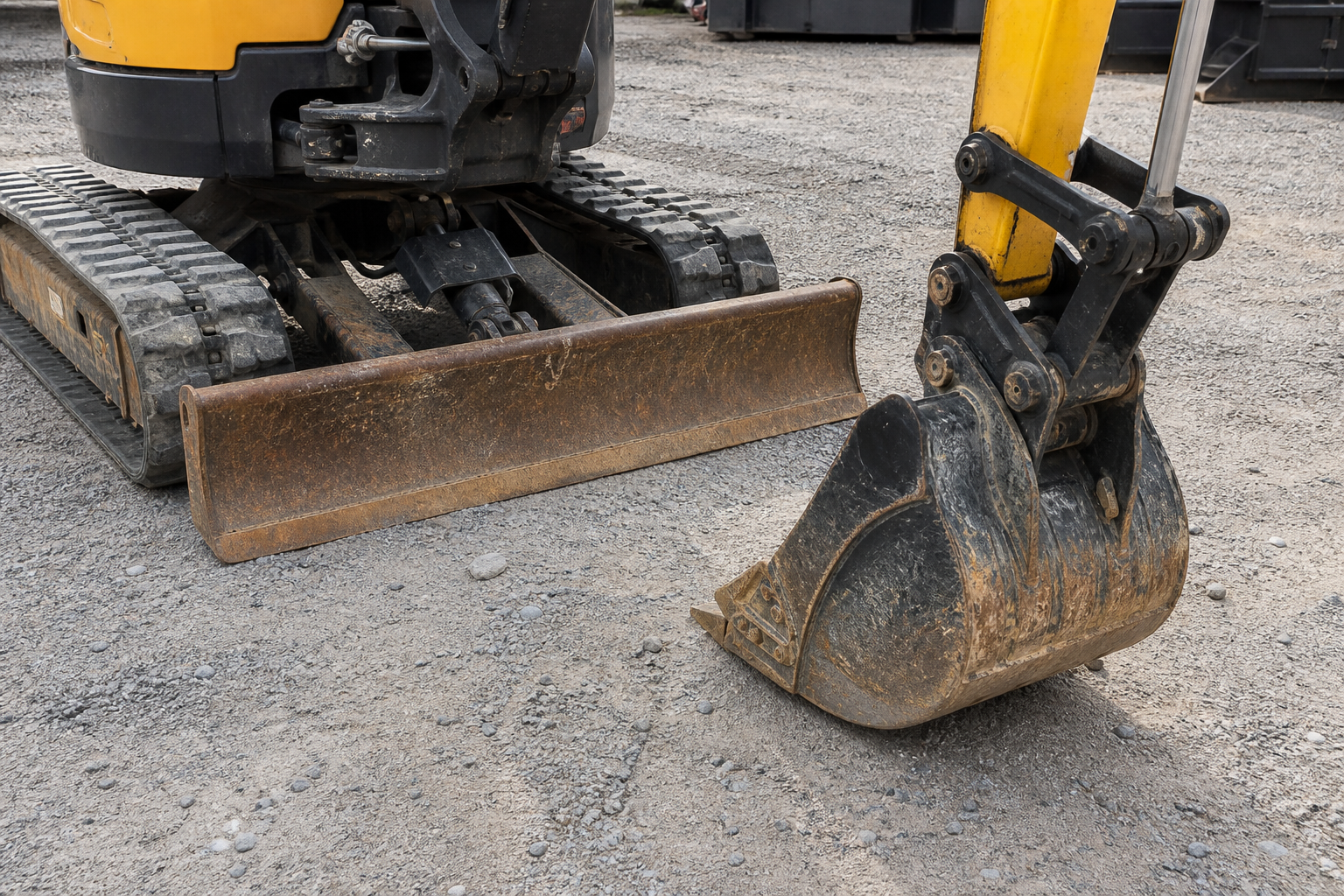
3. Who wears the job
Dry hire usually means they run the site. Write that down.
Plant-hire guidance is consistent: the hirer supplies a competent operator, follows manufacturer instructions, and carries more of the site safety and insurance load than on wet hire (Sprintlaw dry vs wet hire; Prosper Law: key terms in equipment hire agreements).
What to spell out
- Their operator, their site, their WHS
- No unauthorised repairs or mods
- No sub-hire or other job without a yes from you
- Breakdown: they call you, they park it
- What they must insure, and that they send evidence before it rolls
- You stay the owner (PPSR if you use it)
Why it protects you
If it is not in the agreement, you cop the argument.
Do not guess policy limits in a blog or a contract. Use the cover you actually require.
4. Send it before the float moves
A Word doc in the glovebox does not count if they have not signed.
What to spell out
- Send the hire agreement (or rental agreement) to the phone or email they gave you
- They sign before load
- If they want changes, change the document and send it again
- No verbal "she'll be right" on damage or hours
Why it protects you
The signed copy is what your office points at when the invoice gets queried.
Signd handles that last step: send the hire agreement, they sign, auto-file. Signd Pro adds licence photos and bookings. Signd is not your lawyer, so have your terms checked.
5. Yard card before the next hire
Check these before it leaves:
- Parties, plant ID, hours, attachments
- Dry hire, period, rate, extras
- Condition photos in and out
- Damage, breakdown, fuel, cleaning
- Insurance evidence and licence
- Signed agreement in the file
Empty box = the machine stays in the yard.